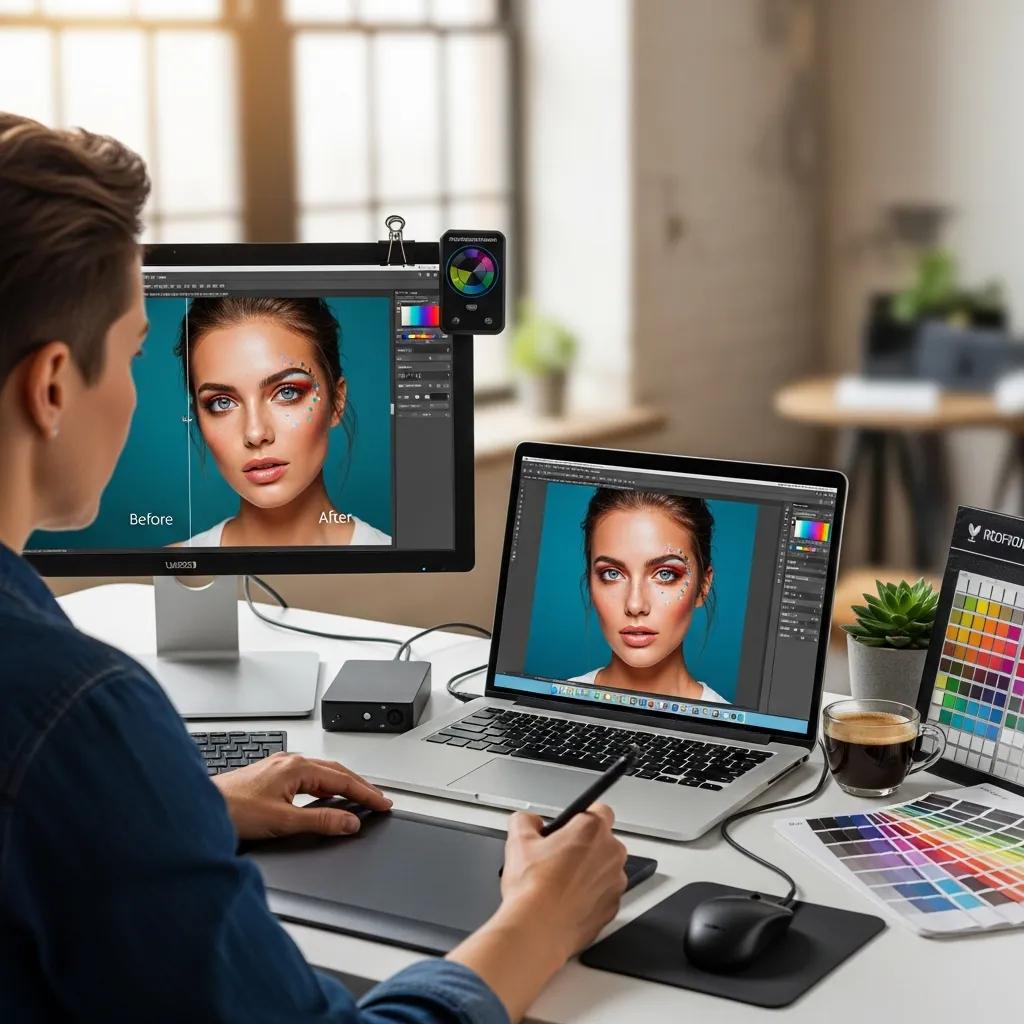
In photography, advanced retouching turns a good image into a standout one. This guide breaks down the professional techniques we use to lift image quality — from careful skin work and colour correction to commercial editing workflows. You’ll see how to keep results natural and true to the original, and how to avoid the common trap of over‑editing. We cover essential Photoshop methods, professional skin retouching, commercial best practices, and practical ways AI now supports modern retouching.
High‑end retouching rests on a handful of reliable techniques: frequency separation, dodge & burn, and colour grading. Each has a clear role in the workflow — one preserves texture, another sculpts form, and the third sets mood and brand consistency. Mastering them lets photographers and retouchers produce images that look polished, natural and professionally finished.
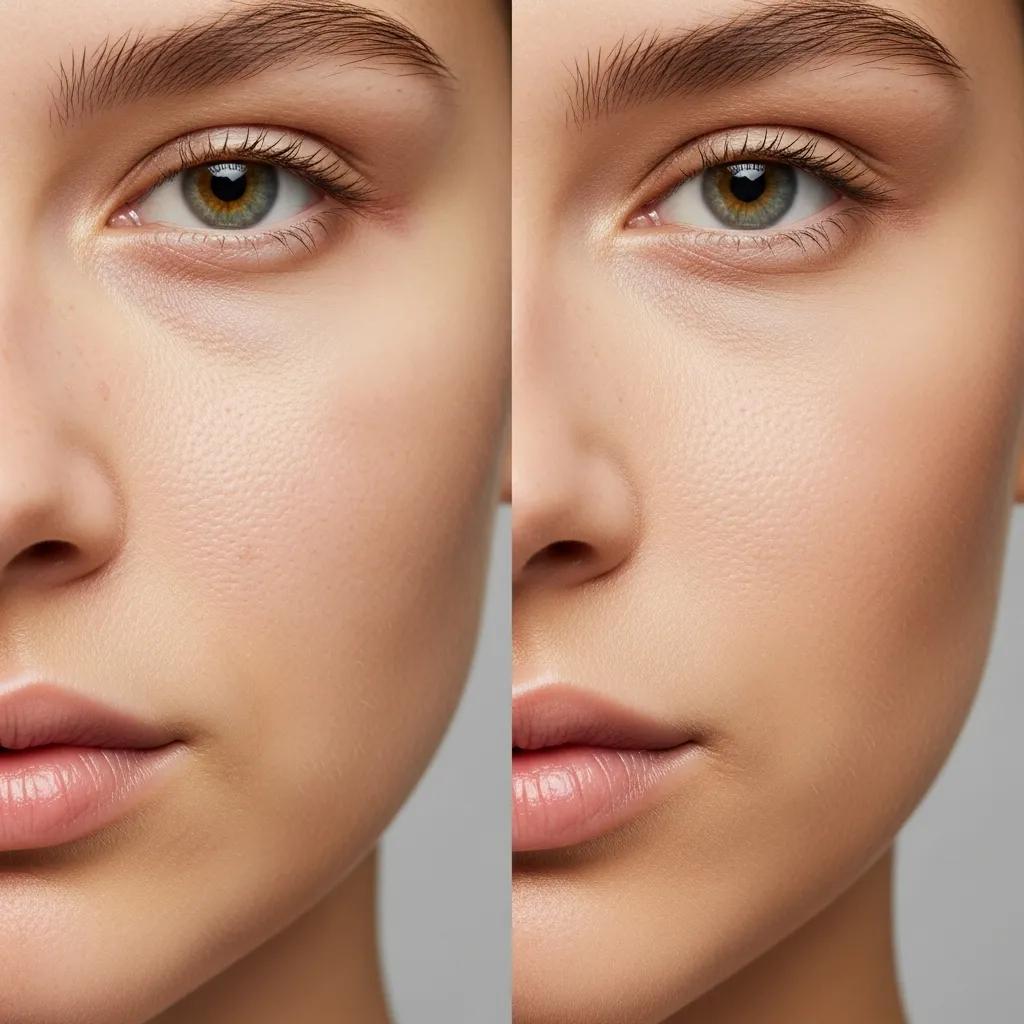
Frequency separation separates fine texture from colour and tone, so you can soften blemishes without erasing pores or natural detail. Used correctly on portraits, it smooths skin while preserving the micro‑texture that makes a subject look real. The result is clean, fresh skin that still breathes — not a plastic, over‑worked finish.
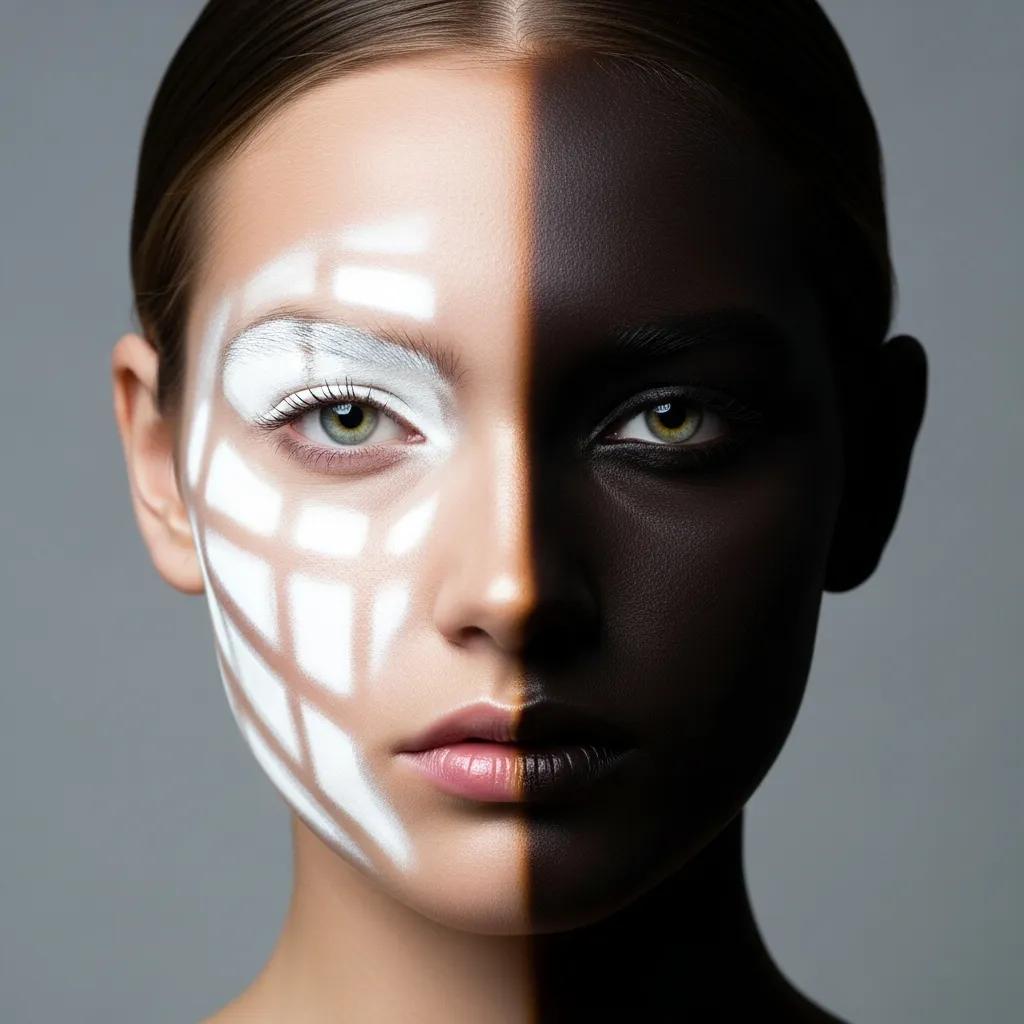
Dodge and burn is the controlled lightening and darkening of areas to model shape and guide the viewer’s eye. It’s how we restore three‑dimensionality after global edits, enhance cheekbones or jawlines, and reinforce the photograph’s focal points. Applied with restraint, it lifts features and improves contrast without looking artificial — the subtle polish that separates amateur edits from professional work.
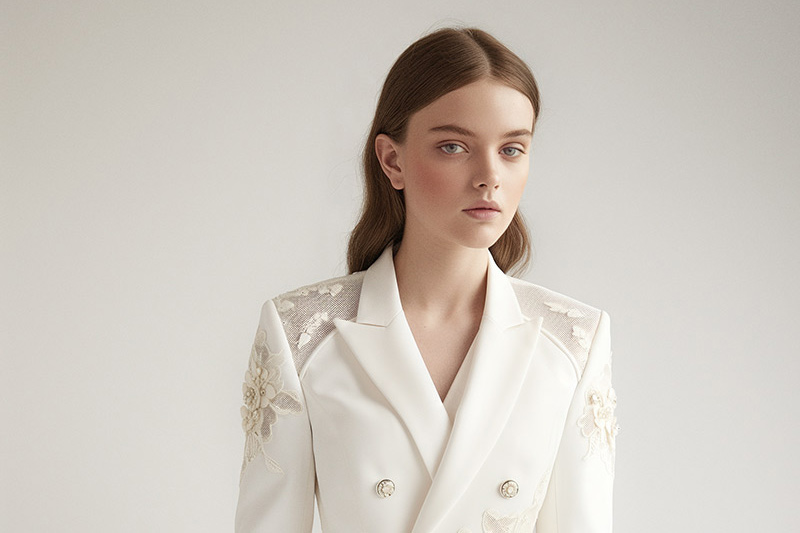
Natural‑looking skin in retouching comes from restraint and layered techniques. Professional skin work focuses on removing distractions while keeping individual character: texture, freckles, moles and unique contours remain where they should. It’s about enhancing, not replacing, the subject.
Key methods include targeted skin smoothing, precision blemish removal, and thoughtful colour correction. We apply each technique selectively — patching spots, evening tone, and conserving pores and texture. A light hand with frequency separation, coupled with spot healing and local colour fixes, delivers a polished yet believable result.
Colour correction fixes technical issues — white balance, exposure and colour casts — so skin tones read correctly. Colour grading then defines mood and brand: subtle shifts in saturation, contrast and split toning create the emotional tone you want. When done with intent, grading enhances storytelling without overpowering the subject.
Commercial work demands consistency, speed and brand alignment. In a competitive market like London, images must meet technical specs, maintain a consistent look across campaigns, and be delivered on time. Clear briefs, standardised retouching passes and quality checks are non‑negotiable.
For e‑commerce, retouching is about clarity and trust: clean backgrounds, accurate colours, consistent shadows and crisp detail. These adjustments make products look reliable and desirable — which directly influences conversion. Small fixes, applied consistently across a catalog, make a big commercial difference.
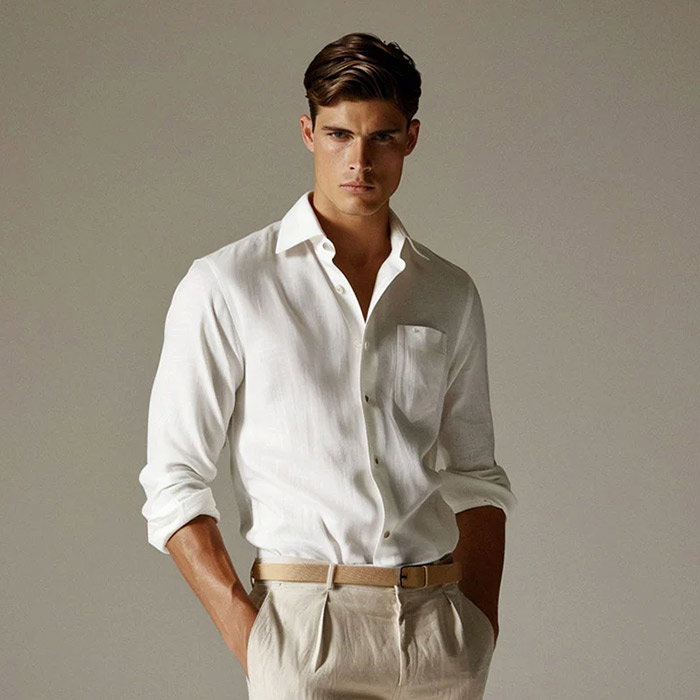
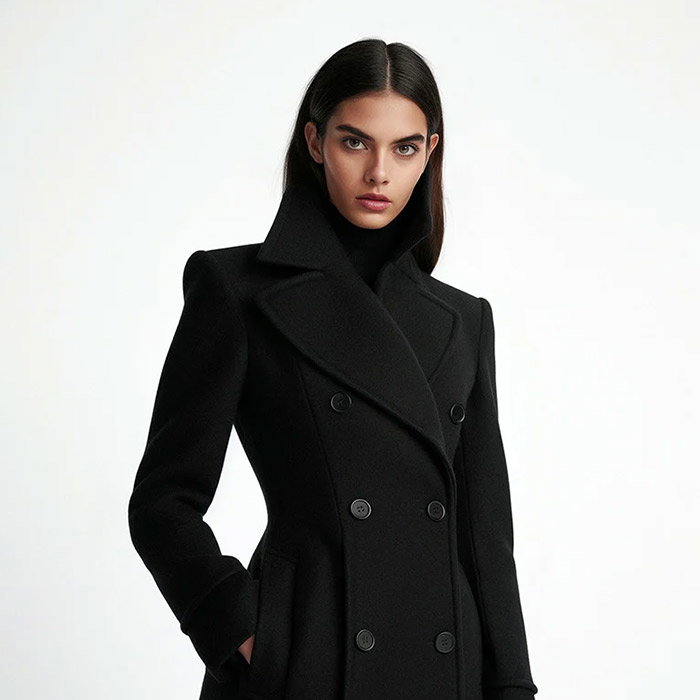
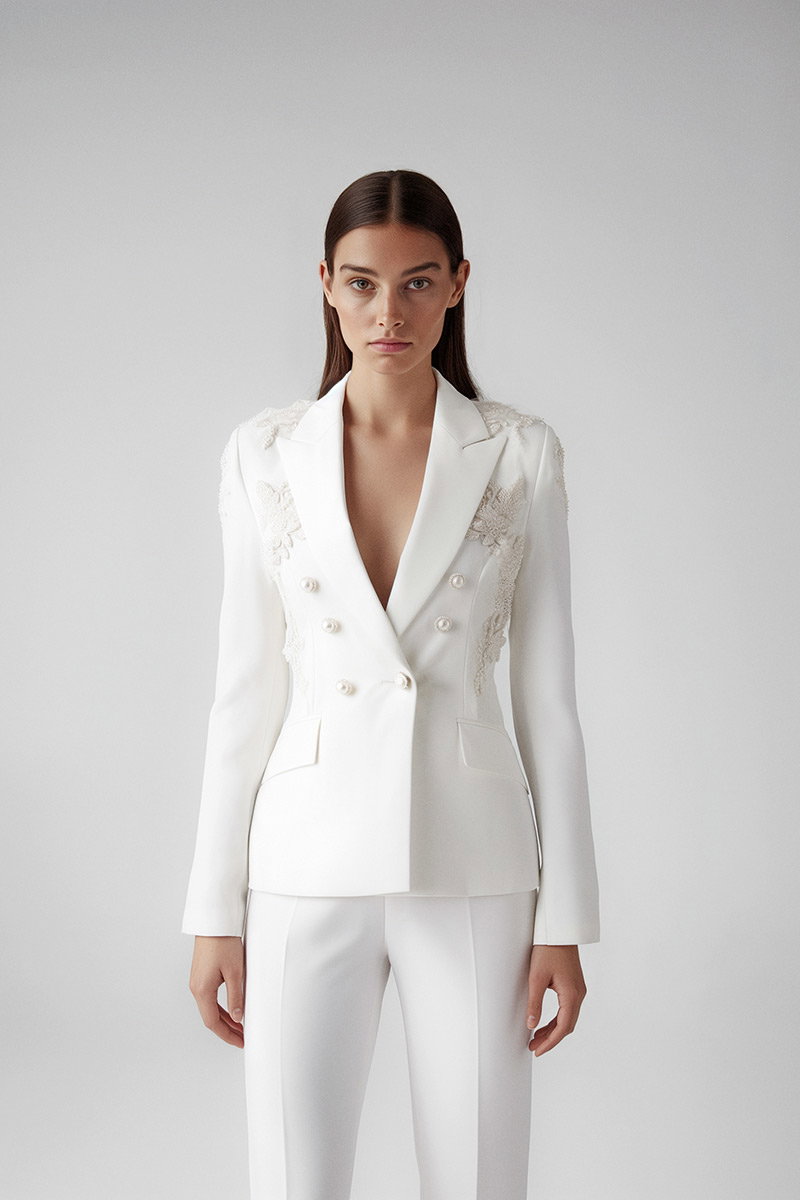
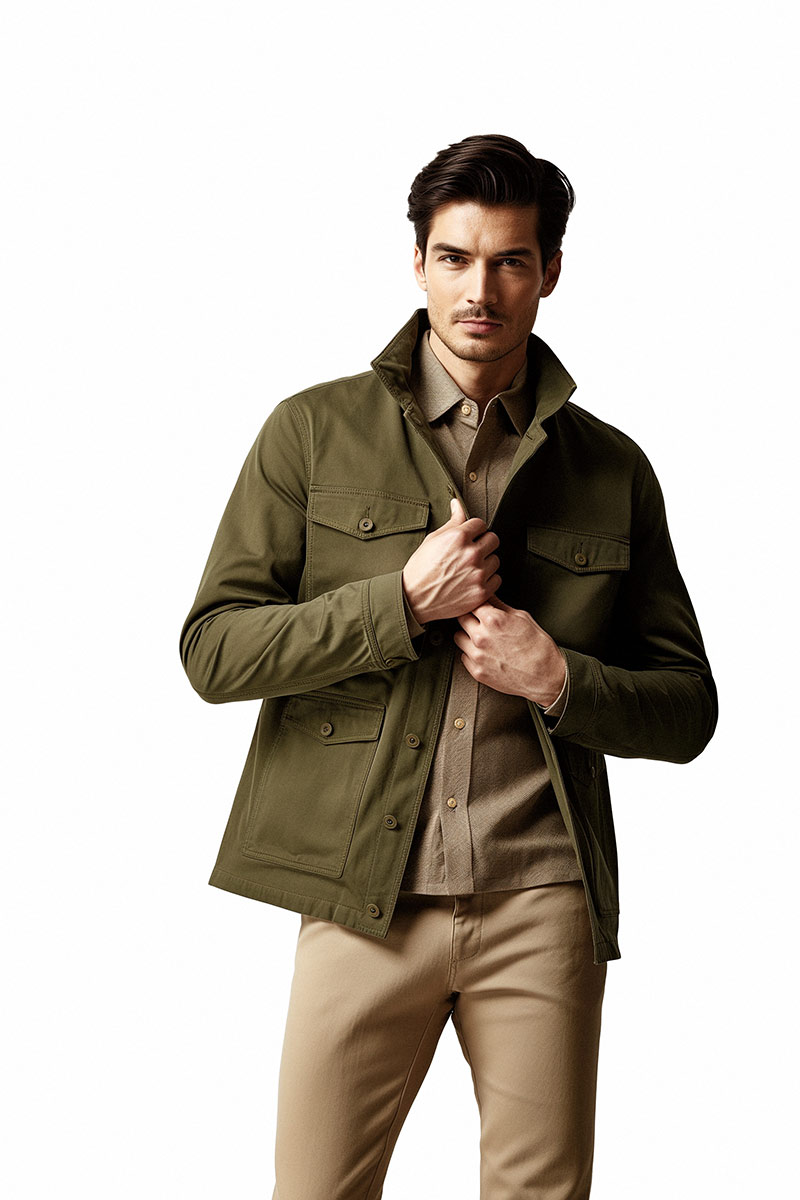
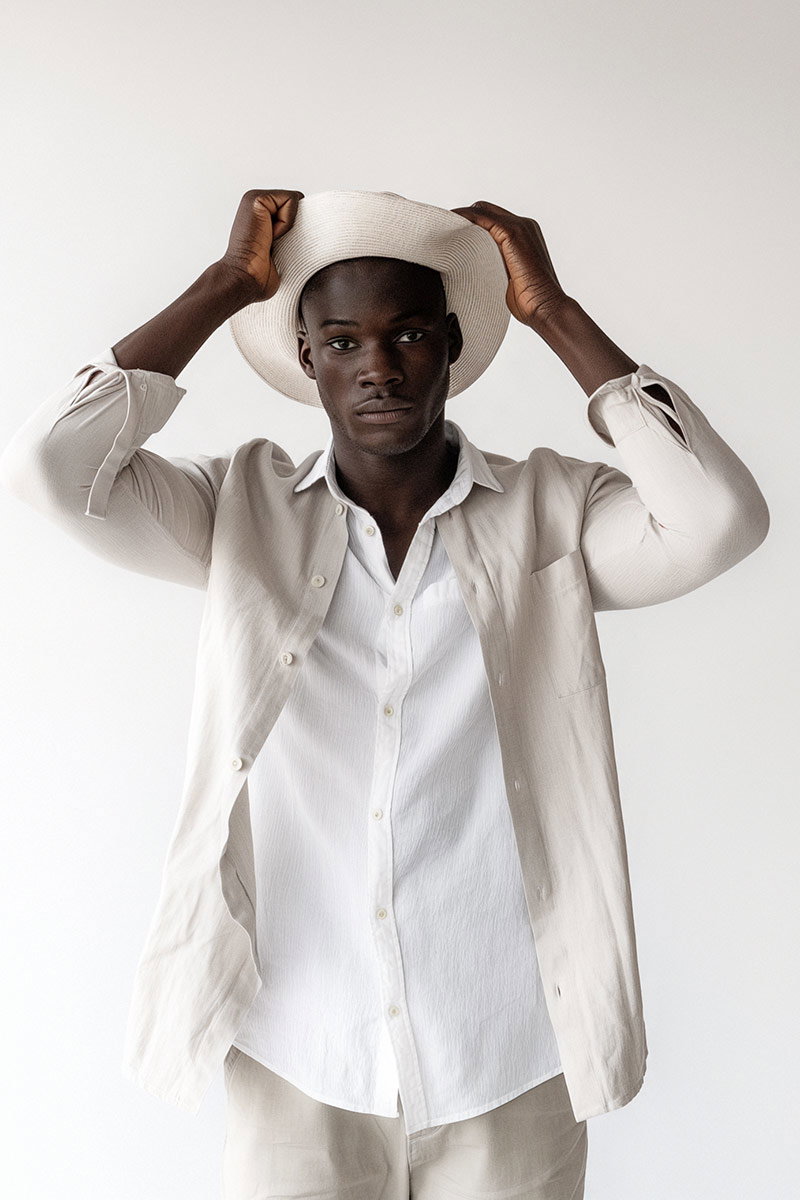
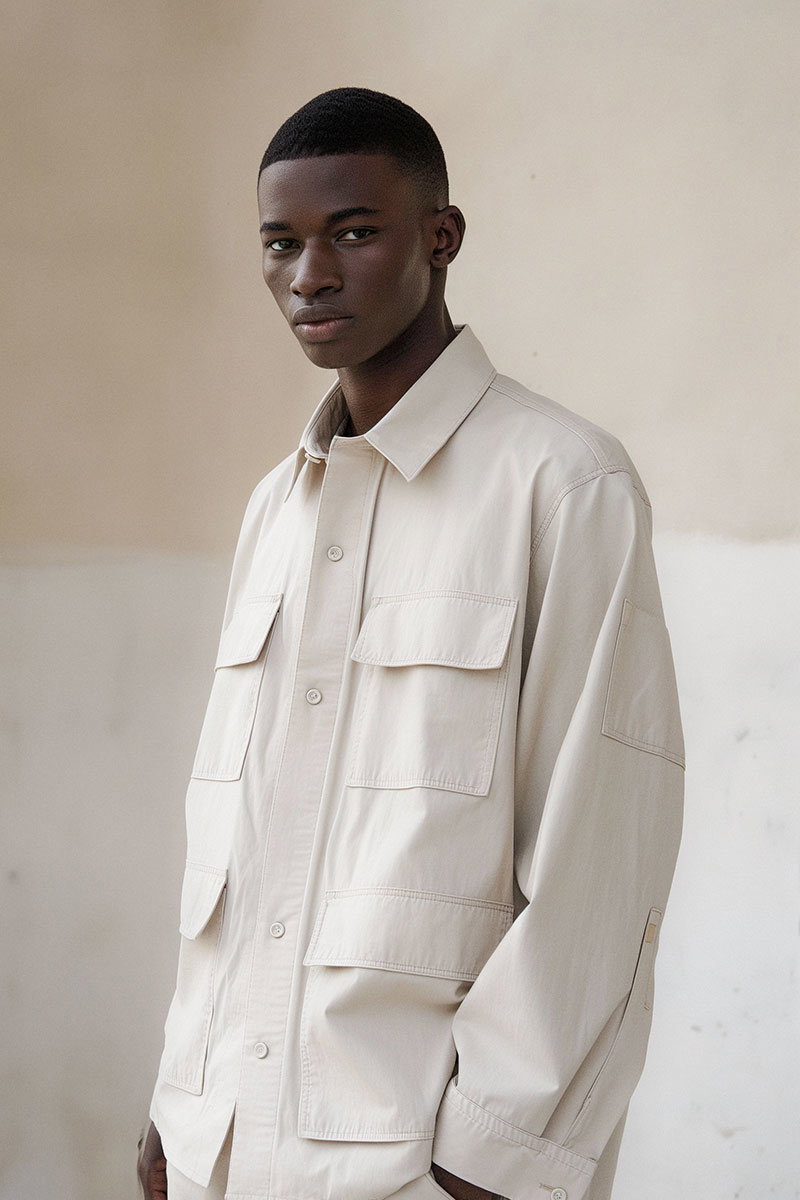
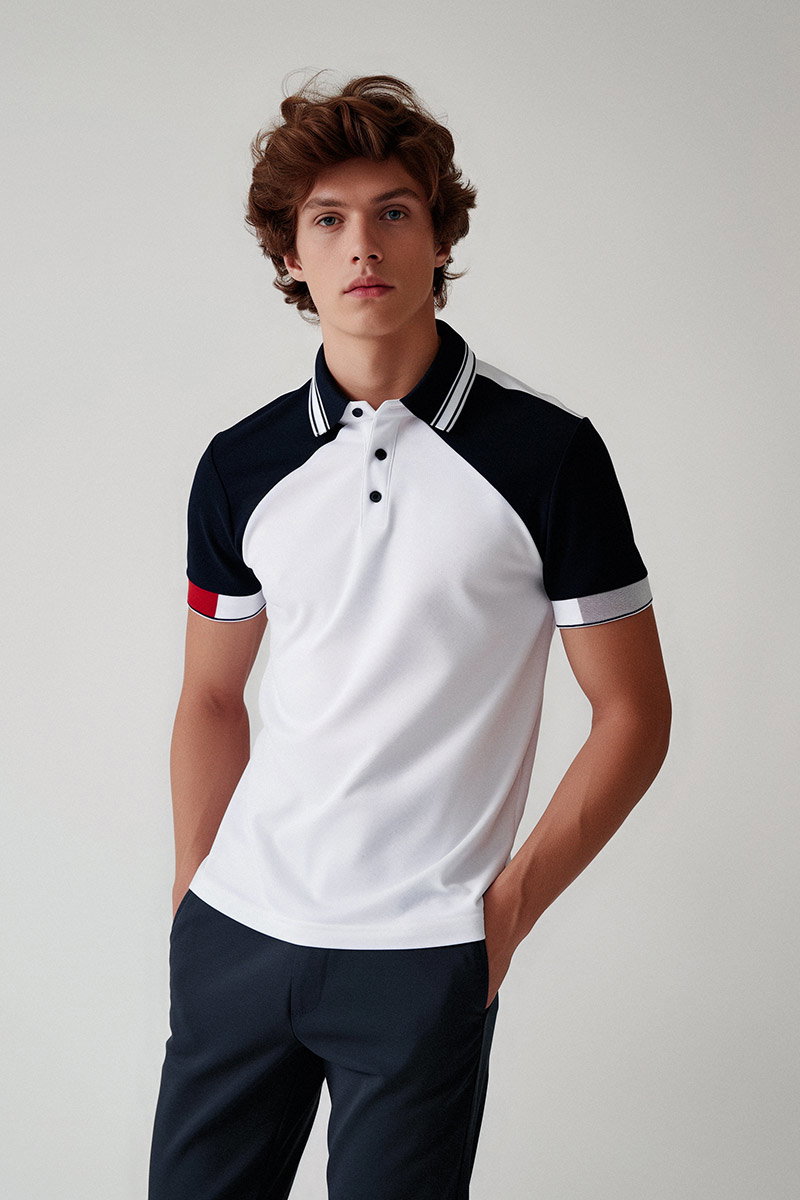
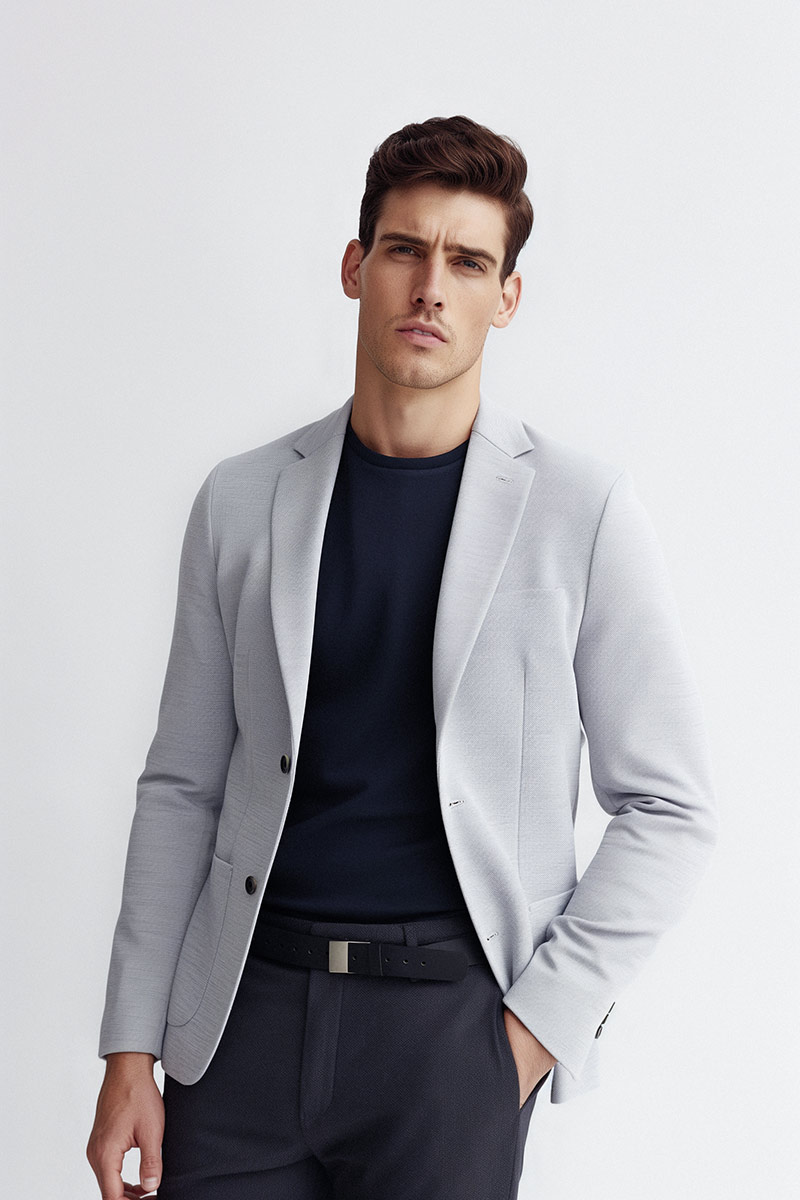
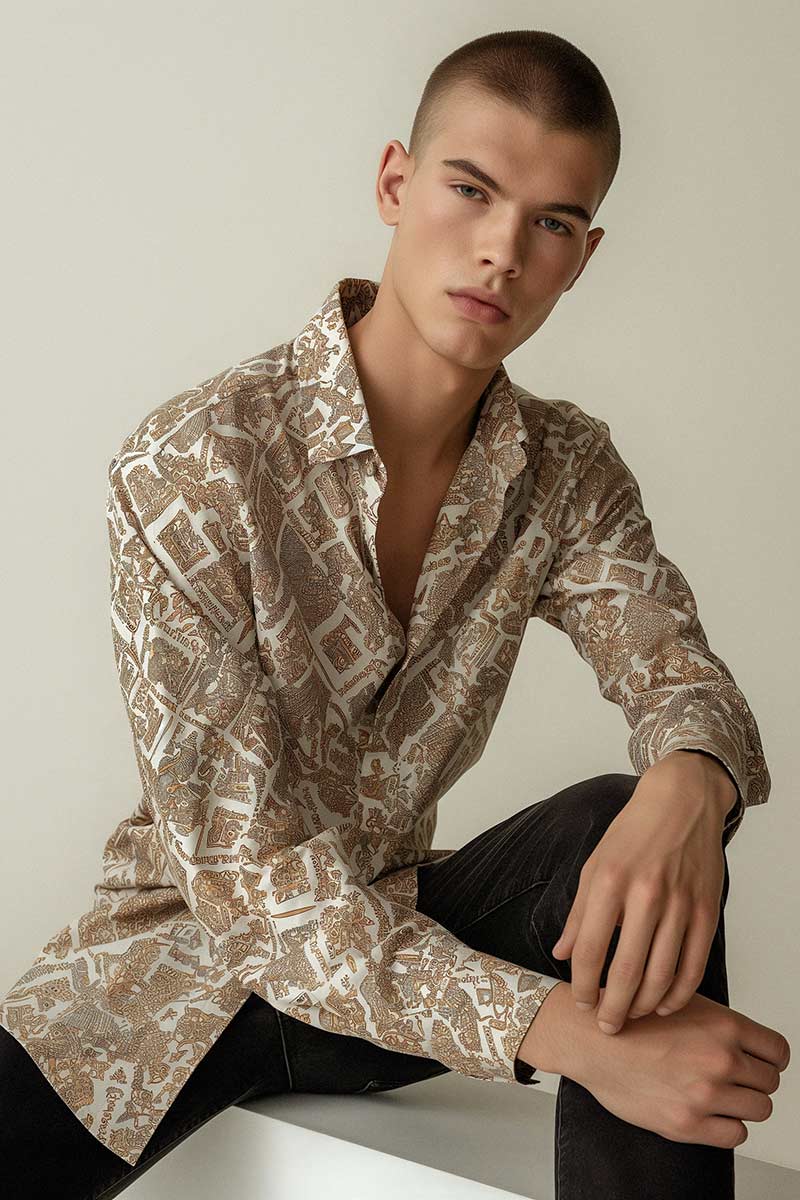
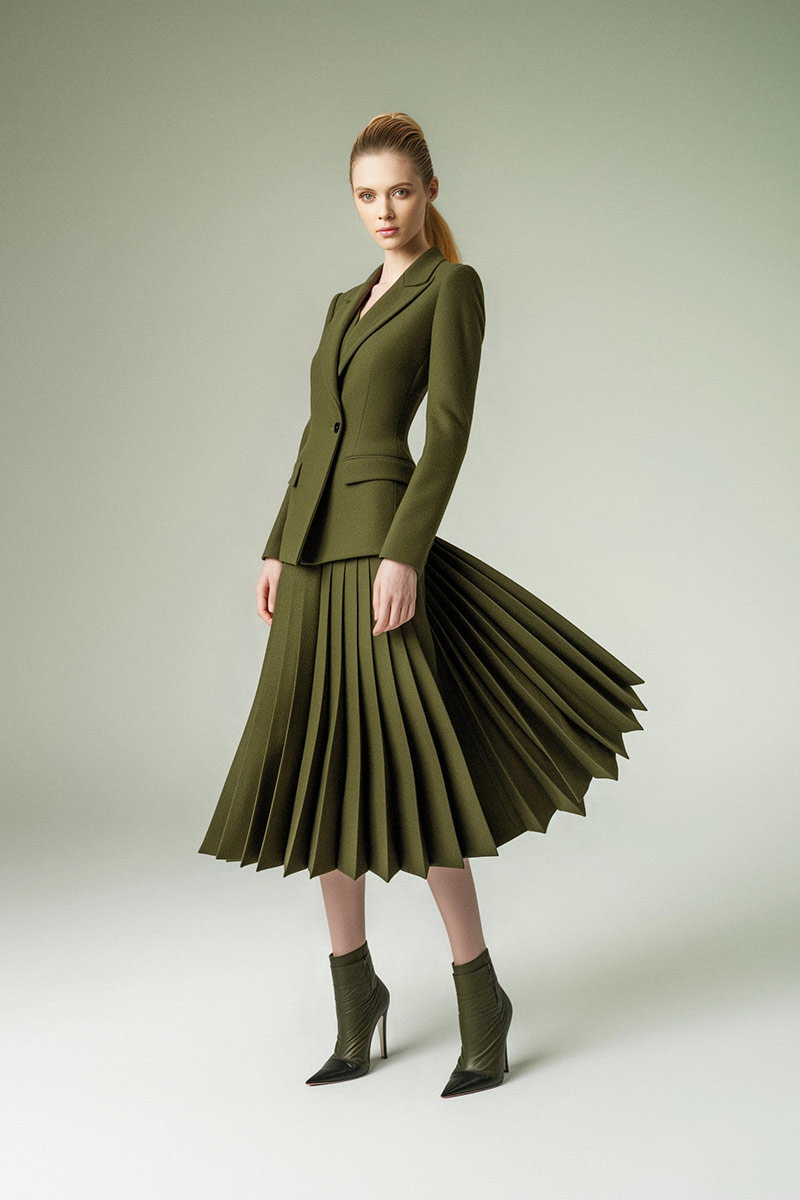
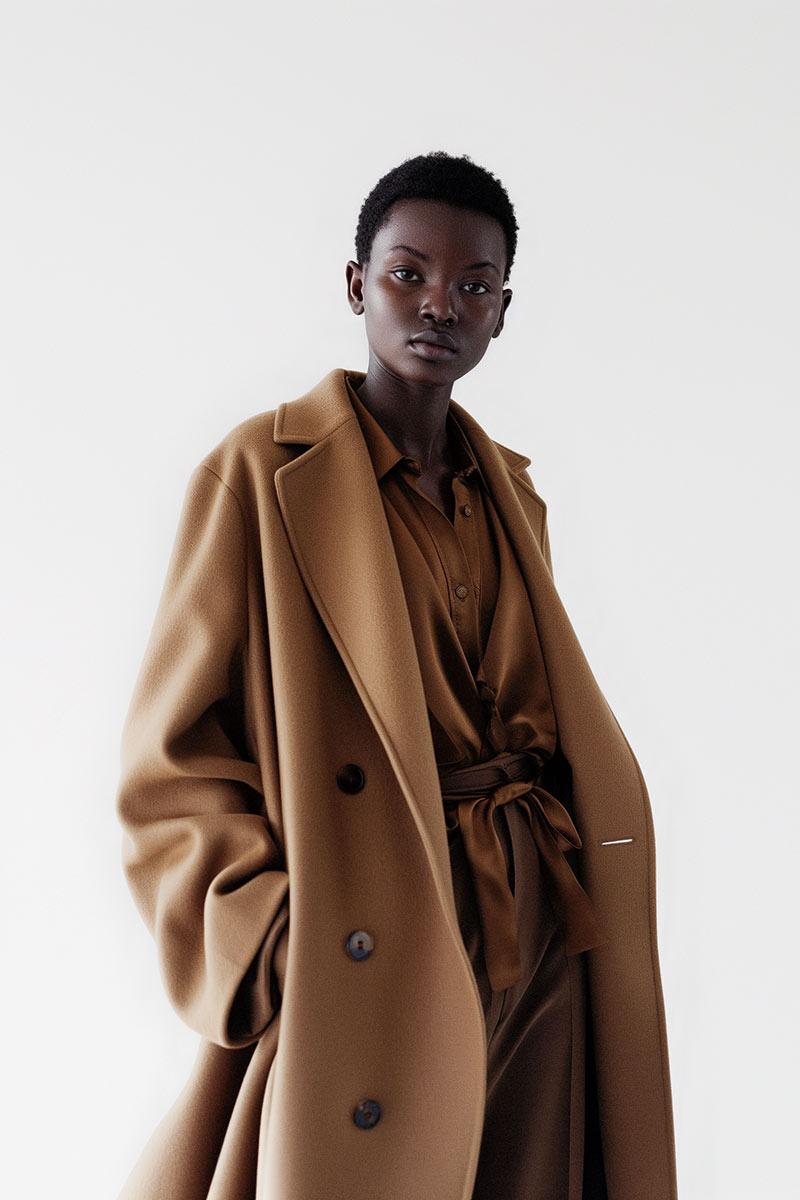
Fashion retouching balances model integrity with brand aesthetics. We focus on skin, fabric texture, colour harmony and compositional tweaks that respect styling and art direction. The aim is a cohesive series of images that reflect the brand’s voice while showcasing garments and styling accurately.
EyeMedia Studios combines technical rigour with creative sensitivity. With over 15 years’ experience and a portfolio of more than 5,000 clients, we deliver high‑quality retouching for individuals and businesses — consistently and reliably.
Bill Gidda, our lead retoucher, brings deep technical knowledge and a practiced eye for subtlety. His approach focuses on preserving what’s unique about each image while applying advanced techniques to meet professional standards. Clients value his ability to enhance without erasing personality.
Before‑and‑after sequences show the controlled, purposeful changes we make: improvements in tone, texture and composition, not wholesale transformations. They demonstrate our commitment to quality and the measurable difference professional retouching makes to final imagery.
AI has become a practical tool in retouching — speeding routine tasks and offering helpful suggestions — but it’s a complement, not a replacement, for human judgement. We use AI to improve efficiency while keeping creative decisions firmly in human hands.
AI handles repetitive chores — background removal, initial skin detection, batch colour matches — which frees time for craft work. It speeds turnaround and helps maintain consistency across large jobs, allowing senior retouchers to focus on the creative and technical decisions that shape the final image.
AI provides smart starting points: automated masks, suggested corrections and bulk operations. From there, experienced retouchers refine, customise and apply advanced techniques. The result is a hybrid workflow that combines speed with the nuance only a trained eye can provide.
Mastering advanced retouching is a staged process: plan, shoot, edit, review and deliver. Each stage has specific checkpoints and techniques to ensure a professional outcome.
Clear briefs and shoot planning shape everything that follows. Knowing usage, crop requirements, lighting references and brand expectations up front allows us to plan capture and retouching strategies that minimise surprises and speed post‑production.
Post‑production typically runs: RAW processing, global corrections, retouch passes (skin, colour, detail), final grading, quality control and delivery in the required formats. Each stage is documented and checked so files arrive consistent and print‑ or web‑ready.
Different retouching techniques deliver distinct benefits through specific applications in the photography industry.
That comparison shows how choosing the right method for each image improves both quality and consistency across projects.
Common pitfalls include over‑editing (which looks artificial), inconsistent colour grading across a set, and ignoring texture or lighting cues. Avoid broad, heavy handed edits: work in subtle, localised passes and keep the subject’s character intact.
Practice deliberately: learn core tools in Photoshop, master frequency separation and dodge & burn, and study professional before‑and‑after work. Take workshops, follow focused tutorials and seek critique from peers — steady, targeted feedback accelerates progress.
Adobe Photoshop remains the industry standard for advanced retouching. Adobe Lightroom excels for batch colour and organisation, Capture One is strong for RAW handling and tethering, and Affinity Photo is a budget‑friendly alternative. Choose tools that fit your workflow and the demands of your projects.
Colour theory matters a great deal. Understanding complementary tones, harmony and the emotional impact of hue choices helps you create images that read consistently and communicate the intended mood. Good grading ties a series together and strengthens brand identity.
AI increases efficiency by automating repetitive tasks, suggesting corrections and handling bulk operations. That saves time and ensures consistency, while letting skilled retouchers spend more time on the creative, value‑adding work.
Work in the correct colour space (typically CMYK for print), ensure resolution is 300 DPI or higher, soft‑proof against the printer profile, and export in high‑quality formats like TIFF or high‑quality JPEG. Check colours and tones under the intended print conditions before final delivery.
Advanced retouching is both technical and creative: frequency separation, dodge & burn and considered colour work lift images while preserving their natural look. With the right workflow and tools — and a restrained, purposeful approach — you can achieve professional results that serve clients and audiences alike. Find out more about our services and how we can help elevate your photography.