HDR (High Dynamic Range) photography has changed how photographers capture light and colour, letting us produce images with greater depth, detail and realism. This guide walks through practical HDR techniques, the benefits they deliver and the places HDR shines — from landscapes to product shots. Many photographers find it hard to retain detail across very bright and very dark areas; HDR solves that by blending multiple exposures into one frame that represents the full tonal range. Read on to learn what HDR is, how to shoot it well, the post-processing approaches we recommend, and tips for keeping results natural.
HDR photography is a workflow that captures a wider luminosity range than a single exposure can record. By combining exposures taken at different brightness levels, you can produce images that better reflect the way our eyes perceive a scene — from deep shadows to bright highlights. Dynamic range directly impacts image quality and realism: using HDR lets you reveal detail that would otherwise be lost, producing more vibrant and true-to-life photographs.
Dynamic range describes the span between the darkest and brightest parts of an image. A higher dynamic range preserves detail in both shadow and highlight areas. With a single standard exposure, highlights can clip and dark areas can fall into black — important information is lost. Shooting multiple exposures for HDR captures that information across the tonal spectrum, so when blended you get richer colour, finer texture and a more immersive final image.
HDR offers several clear advantages. It recovers detail in highlights and shadows for a balanced exposure, improves realism so images feel more lifelike, and adapts to a wide range of lighting situations — from bright sunlit scenes to low-light interiors. For photographers aiming to raise their visual standards, HDR is an essential tool in the kit.
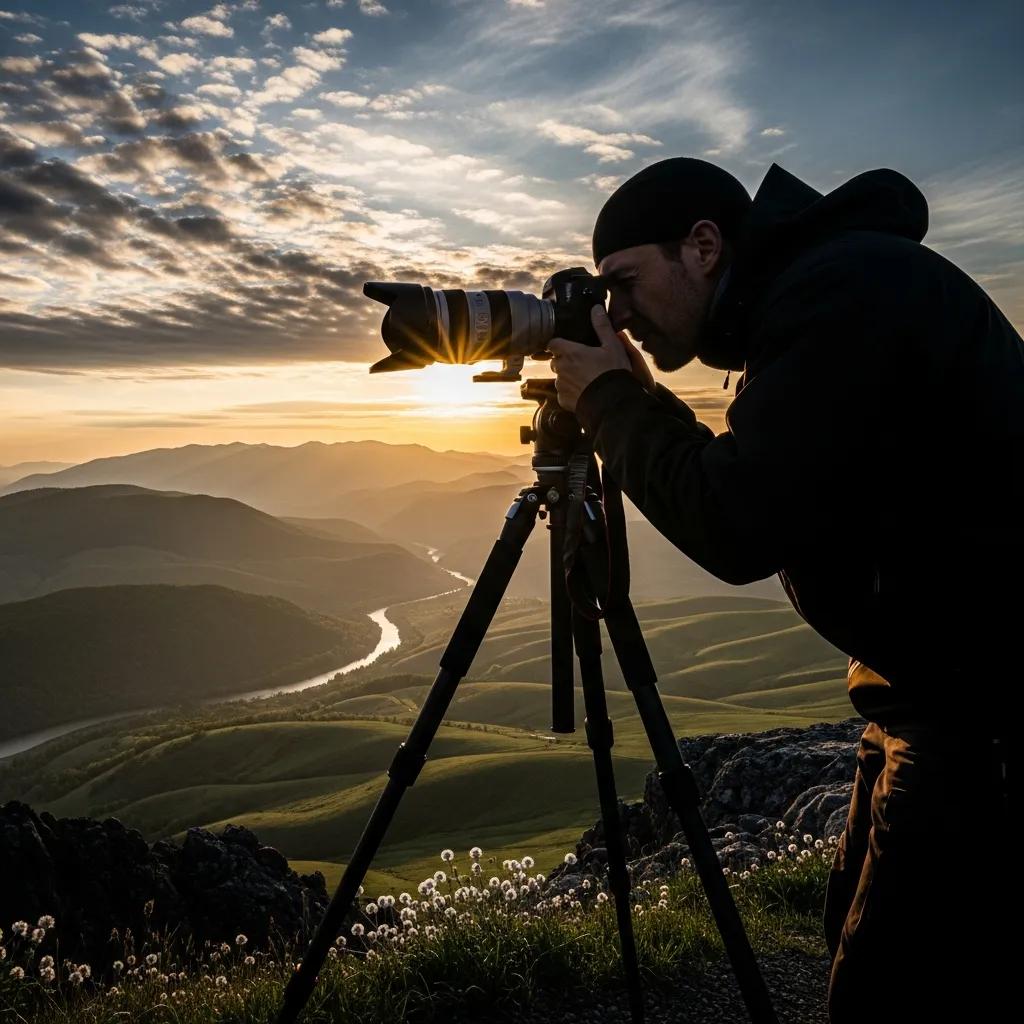
To create strong HDR images you need the right gear and camera workflow. Small choices in equipment and settings make a big difference when you’re capturing multiple exposures to blend later.
Start with a stable tripod to eliminate movement between bracketed shots. A camera that allows manual exposure control is important so you can lock aperture while varying shutter speed. A lens with a useful focal range and good sharpness helps capture detail; neutral density and polarising filters can manage reflections and bright skies. In short: steady support, manual control and quality optics are the foundation.
Exposure bracketing captures the data HDR needs. We recommend these settings:
These choices ensure you gather the necessary tonal information for accurate HDR merging.
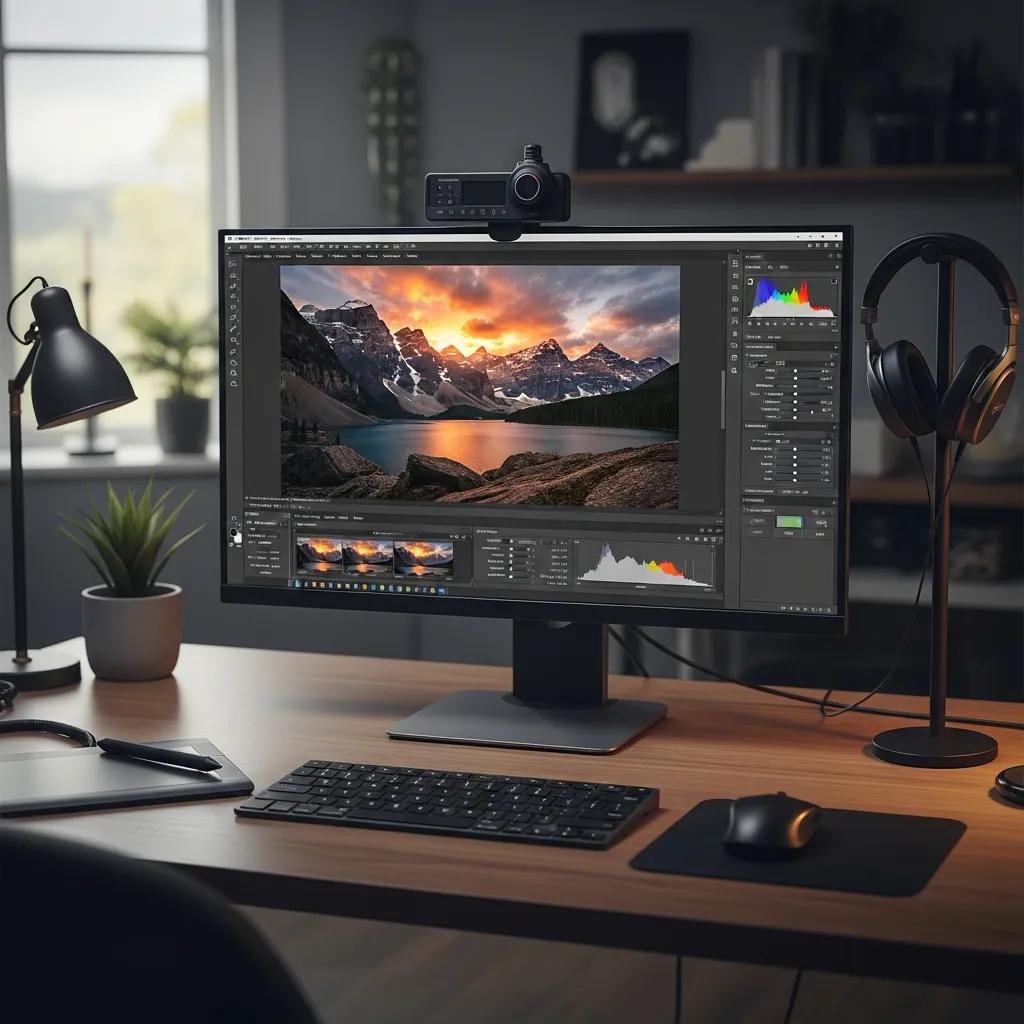
Post-processing is where HDR shots become a cohesive, display-ready image. Knowing which tools to use and which techniques to apply will determine whether your HDR images feel natural or overcooked.
Photographers commonly use a few reliable tools for HDR work:
Each tool suits different needs: pick the one that fits your workflow and the degree of control you want.
Exposure blending merges multiple raw files to preserve highlight and shadow detail while keeping the result natural. Tone mapping compresses the HDR data so it can be displayed on standard screens, translating the wide tonal range into an appealing final image. Use blending for realism and selective tone mapping when you need creative control — both approaches help you retain detail while shaping the final look.
HDR works across many professional photography areas by improving detail, colour and perceived quality — which directly benefits marketing, e-commerce and corporate communications.
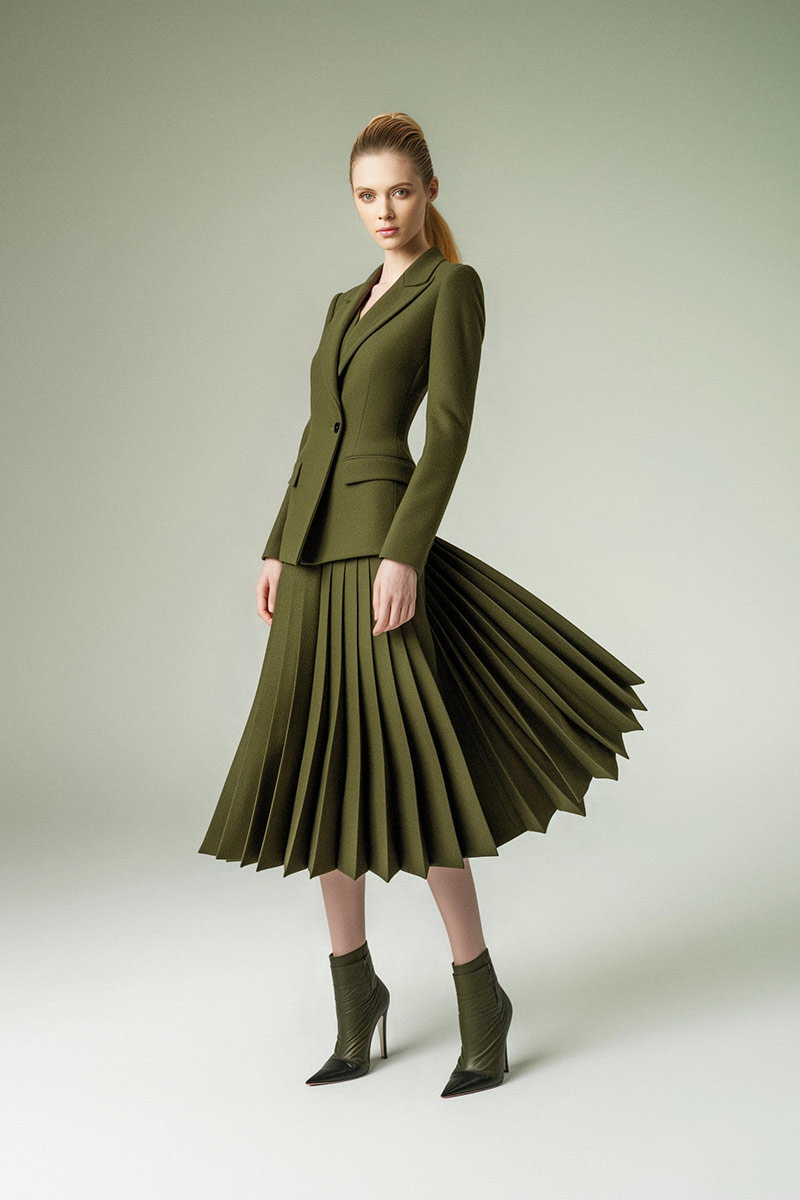
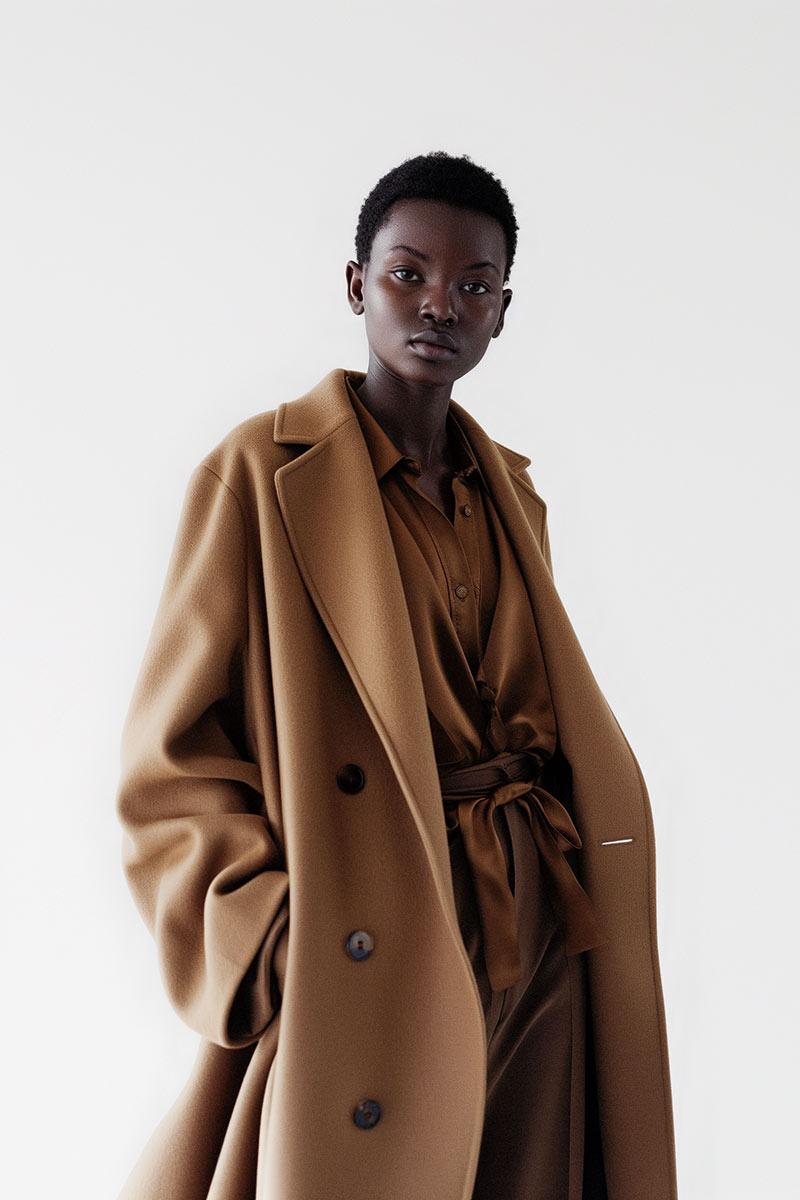
In corporate portraiture, HDR helps keep skin tones natural while preserving background and environmental detail. That balance creates polished, approachable headshots that read well across websites, LinkedIn profiles and printed materials. The result is professional imagery that presents subjects confidently without harsh shadows or blown highlights.
For product photography, accurate colour and fine texture matter. HDR helps reveal surface detail, materials and finishes while controlling reflections and shadow fall-off. Better product images build buyer confidence and reduce uncertainty — which can lead to higher conversion rates and fewer returns.
At EyeMedia Studios we combine creative direction, refined technique and reliable equipment to produce high-quality HDR images. With over a decade focused on visual storytelling, we apply disciplined workflows and thoughtful post-processing to create images that stand out and serve our clients’ goals.
Our team includes certified photographers experienced in advanced HDR capture and editing. We use calibrated, professional-grade cameras and lenses plus robust stabilization gear to ensure consistent precision on every shoot. Our post-production pipeline uses industry-standard software and proprietary finishing techniques to deliver images that are both striking and true to life — consistently meeting our clients’ expectations.
Browse our portfolio to see HDR projects across corporate headshots, product imagery and commercial shoots. Each example shows how we use HDR to enhance detail and mood while supporting our clients’ brand messaging. Client testimonials also highlight measurable improvements in engagement and perception after working with us.
Visit our portfolio to explore finished HDR projects and see how we bring scenes to life with improved tonal range, texture and clarity.
Selecting a photography partner means trusting them with your visual identity. At EyeMedia Studios we prioritise Experience, Expertise, Authoritativeness and Trustworthiness (E‑E‑A‑T) — delivering images that support your brand and perform across channels.
Natural-looking HDR requires restraint and attention to capture and edit with integrity. Follow established best practices to avoid common pitfalls and maintain realism.
Over-processing is the fastest way to undermine HDR’s benefits. Work with subtle adjustments, prioritise balance between highlights and shadows, and avoid extreme global sliders. When tone mapping, favour gentle local adjustments and check your image at 100% to ensure textures and skin tones remain believable.
Follow these basics and your HDR workflow will be more efficient and produce cleaner, more natural results.
The main difference is HDR’s ability to capture a wider range of brightness by combining multiple exposures. Traditional single-exposure photography can lose detail in very bright or very dark areas; HDR preserves detail across the tonal range, giving more vivid, realistic results in challenging lighting.
Yes — HDR principles apply to video, too. HDR video captures a broader brightness and colour range, producing richer, more immersive footage. Modern cameras and editing tools increasingly support HDR video formats, making it a growing option for cinematic and streaming content.
Common errors include skipping a tripod (which causes alignment issues), shooting only JPEGs instead of RAW (reducing editing flexibility), and over-processing (which creates an unrealistic look). Also avoid unnecessary exposure counts; too many frames can complicate merging without adding value.
Practice in different lighting scenarios and experiment with blending and tone-mapping techniques across software platforms. Follow tutorials from experienced photographers, solicit feedback, and compare your edits to professional examples to refine your approach.
HDR is versatile but not universal. It excels for landscapes, architecture and product shots where detail and tonal range matter. For fast-action genres like sports, where multiple exposures are impractical, single-exposure techniques remain preferable.
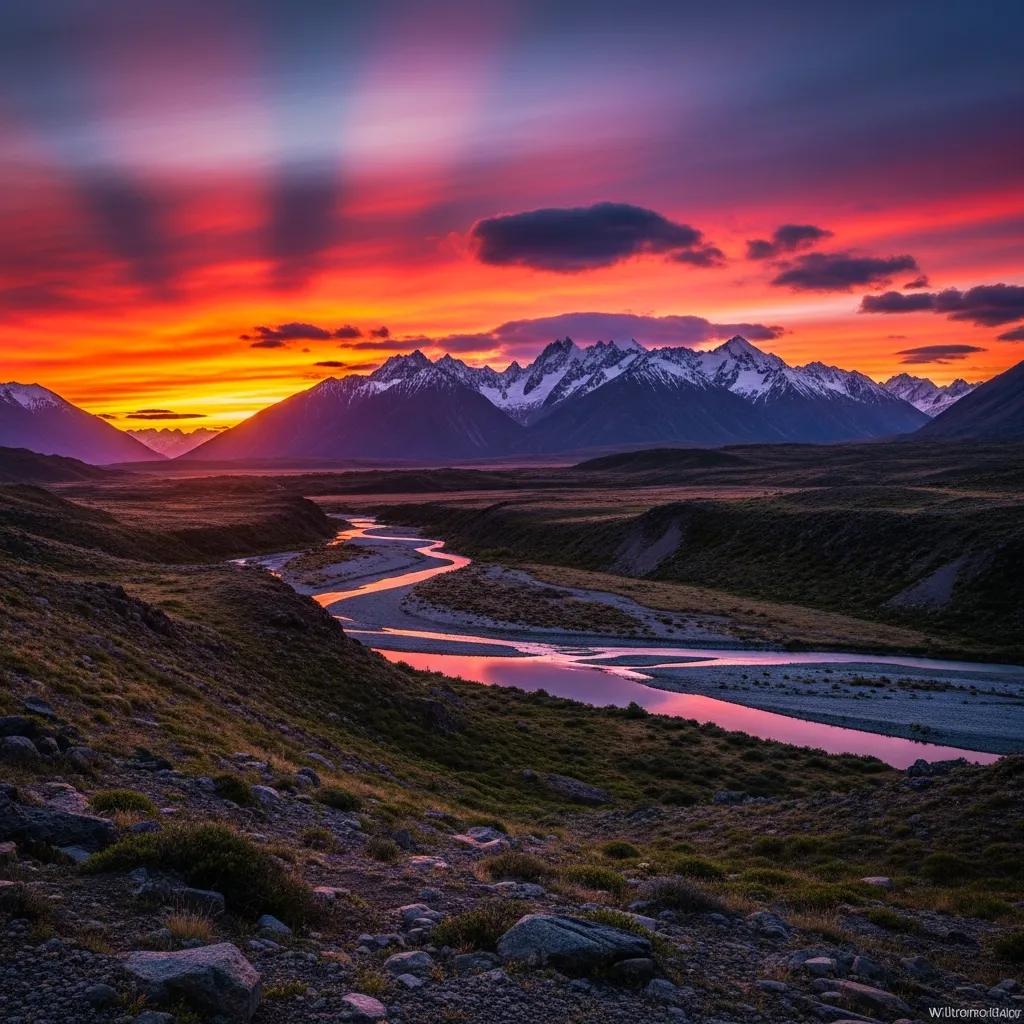
HDR shines in high-contrast scenes — sunrise and sunset, interiors with bright windows, or mixed lighting situations. It’s also useful on overcast days to pull more detail from subtle tones. The aim is to capture a set of exposures that together represent the scene’s full detail.
HDR photography gives you a practical way to capture a broader spectrum of light and detail, improving both shadow and highlight rendering. Mastering capture and post-processing will elevate your images across applications — from portraits to product photography — and strengthen your visual storytelling. Want to see how HDR can transform your visuals? Explore our portfolio or contact EyeMedia Studios today for a consultation.