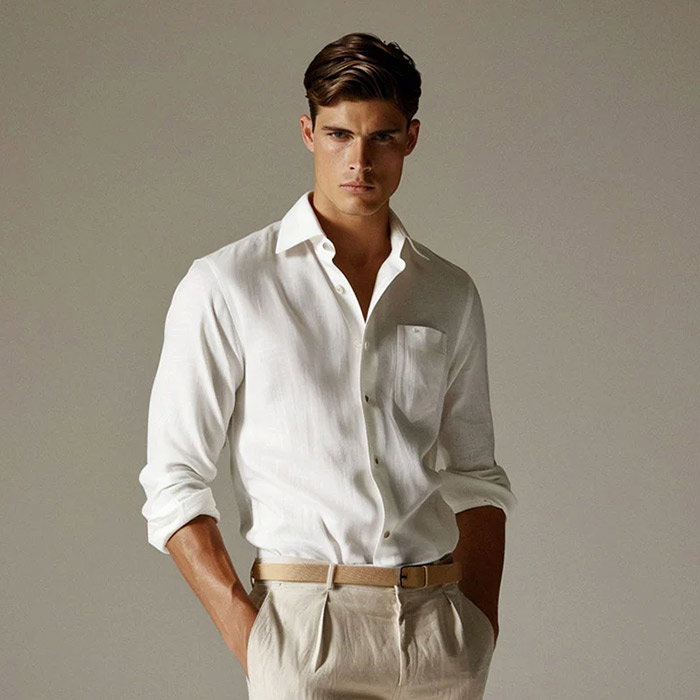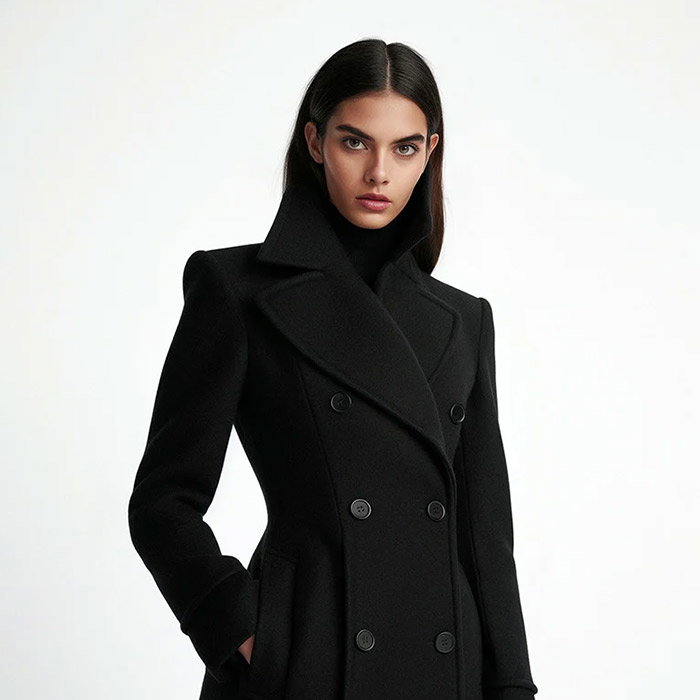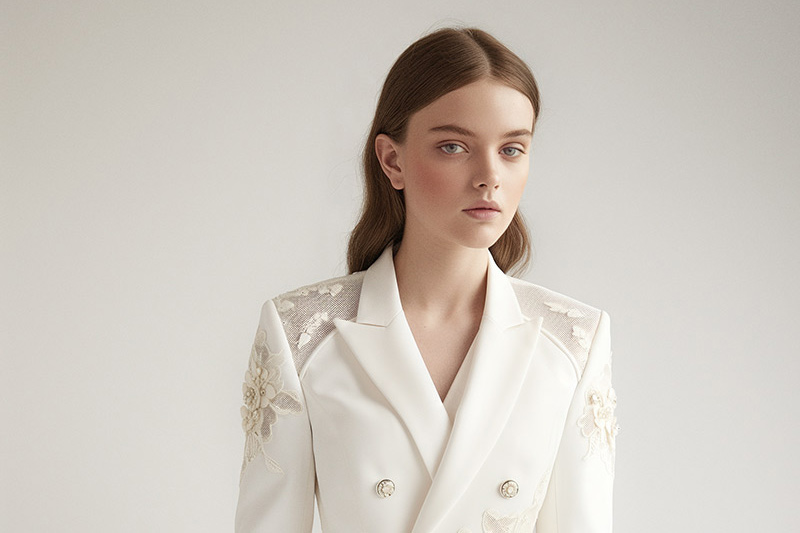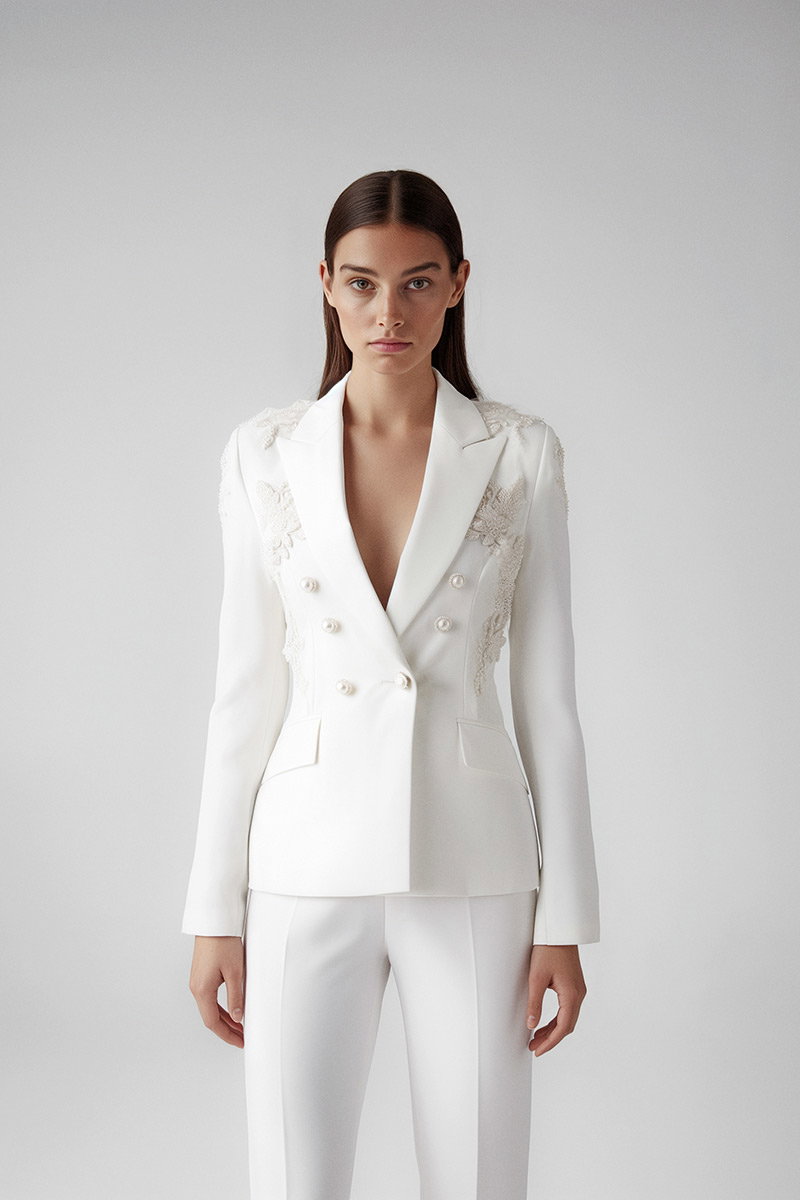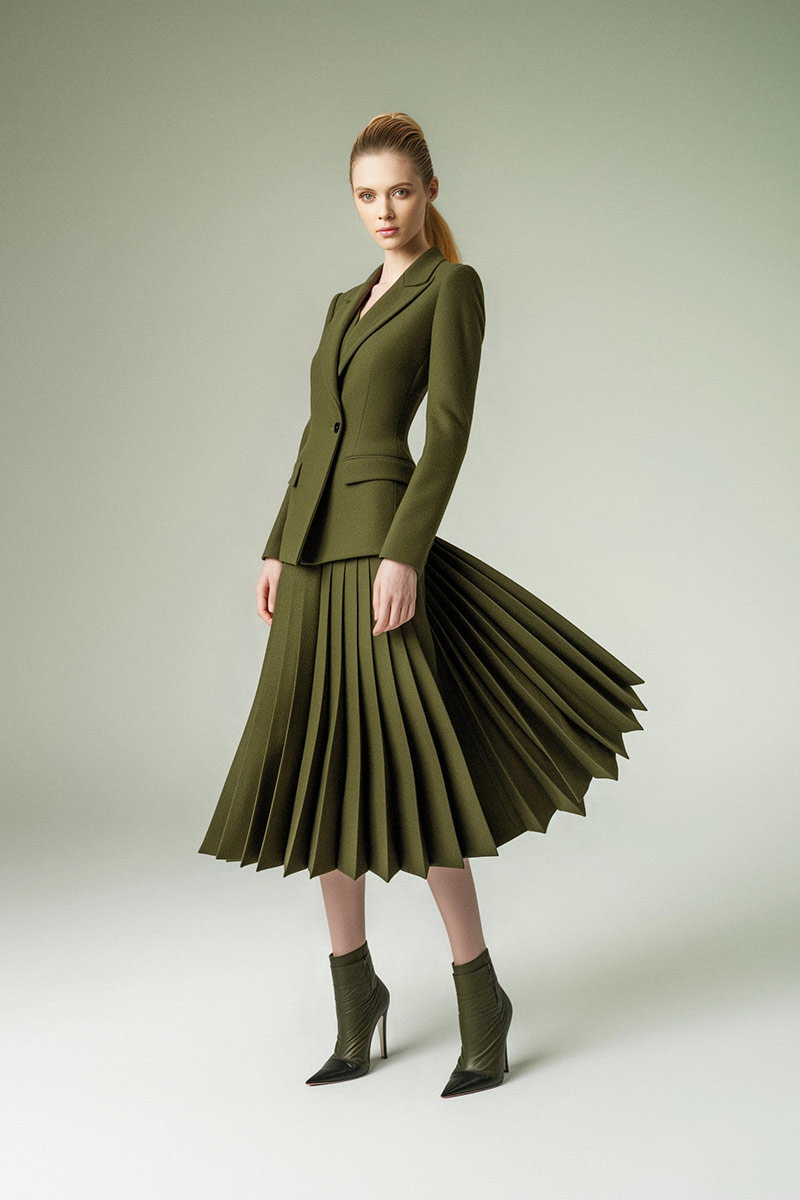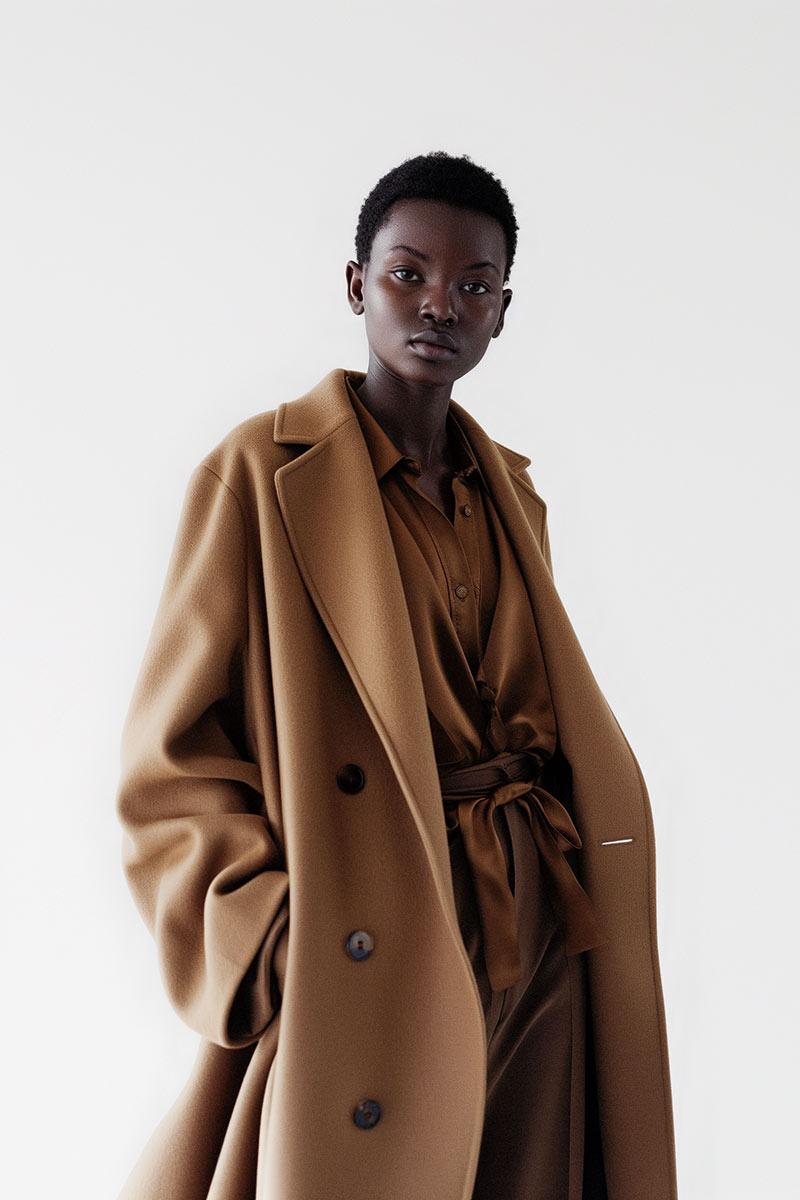
In the competitive world of online retail, high-quality product photography is essential for capturing customer attention and driving sales. This comprehensive guide will explore the best practices and techniques for mastering ecommerce product photography, ensuring your online store stands out. By understanding the nuances of lighting, composition, and image optimization, you can create visually compelling product images that enhance your brand’s appeal and increase conversion rates. Many online sellers struggle with presenting their products effectively, leading to missed sales opportunities. This article will provide actionable insights and expert tips to help you overcome these challenges. We will cover essential lighting techniques, step-by-step photography guides, professional tips to boost sales, and best practices for image optimization.
Lighting is a critical element in product photography, as it directly influences the quality and appeal of your images. Proper lighting techniques can enhance product details, improve color accuracy, and create a professional look that attracts customers. Understanding how to manipulate light effectively can significantly elevate your product photography.
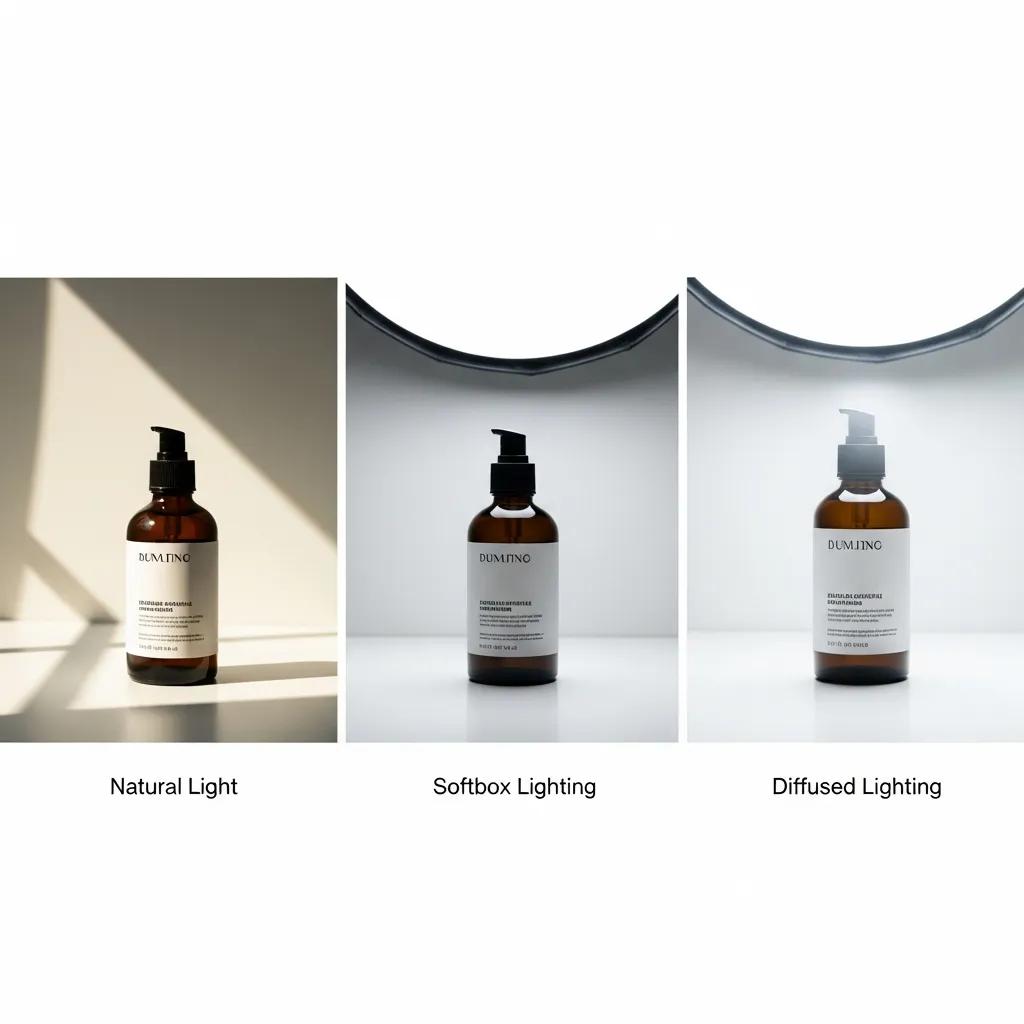
Proper lighting enhances product images by ensuring accurate color representation and highlighting essential details. For instance, natural light can create soft shadows that add depth, while artificial lighting can be controlled to eliminate unwanted reflections. The right lighting setup can make a product appear more appealing, influencing customer perception and increasing the likelihood of purchase. Before-and-after comparisons often illustrate the dramatic impact of effective lighting on product images.
Different products require specific lighting setups to achieve the best results. For example, softbox lighting is ideal for clothing and textiles, as it minimizes harsh shadows and highlights fabric texture. In contrast, reflective surfaces like glass or metal benefit from diffused lighting to reduce glare. Understanding the characteristics of your products allows you to choose the most suitable lighting setup, ensuring that each item is showcased in its best light.
Capturing high-quality product images involves a systematic approach that includes preparation, equipment selection, and execution. Following a step-by-step guide can help streamline the process and ensure consistency across your product photography.
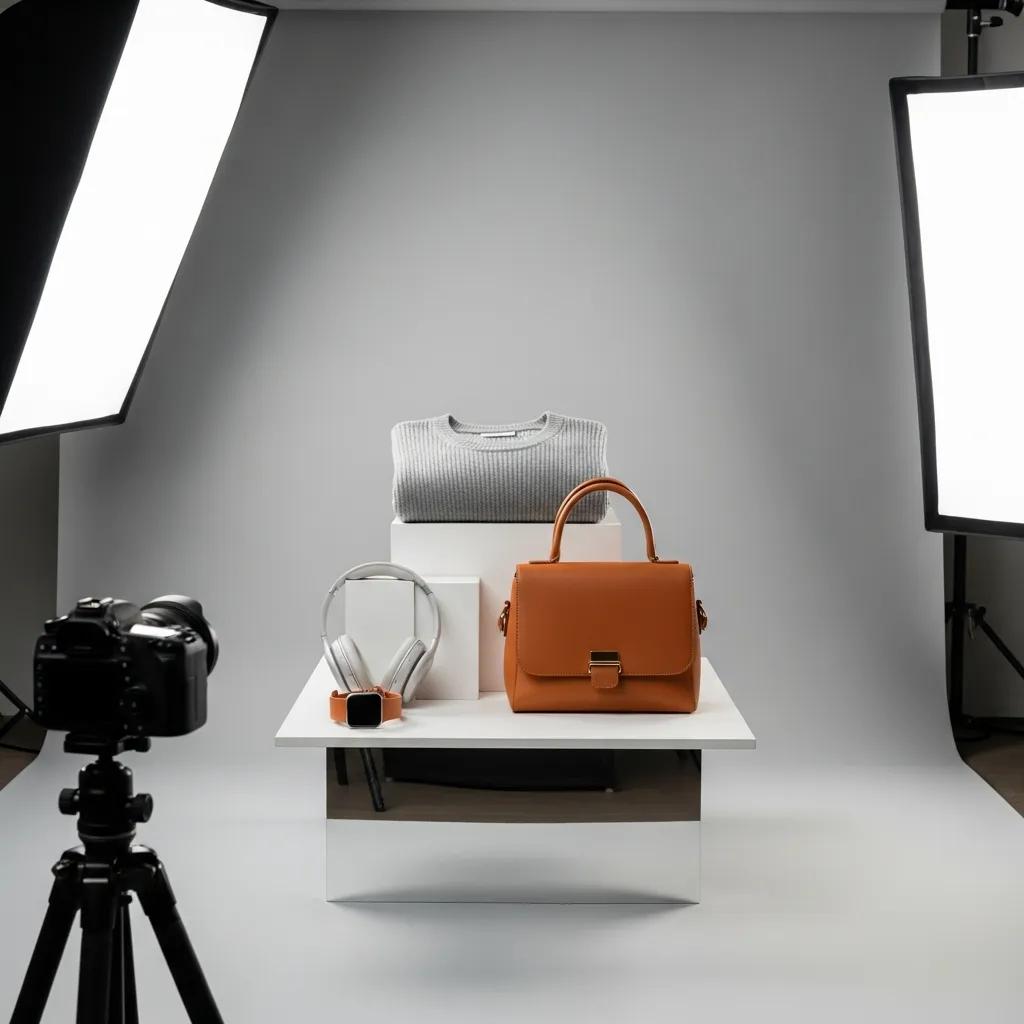
Essential equipment for ecommerce photography includes a high-quality camera, a tripod for stability, and appropriate lighting tools. A DSLR or mirrorless camera is recommended for its superior image quality. Additionally, using a tripod helps maintain consistent framing and reduces camera shake. Backgrounds should be simple and non-distracting, allowing the product to take center stage. Investing in a lightbox can also provide controlled lighting conditions for smaller items.
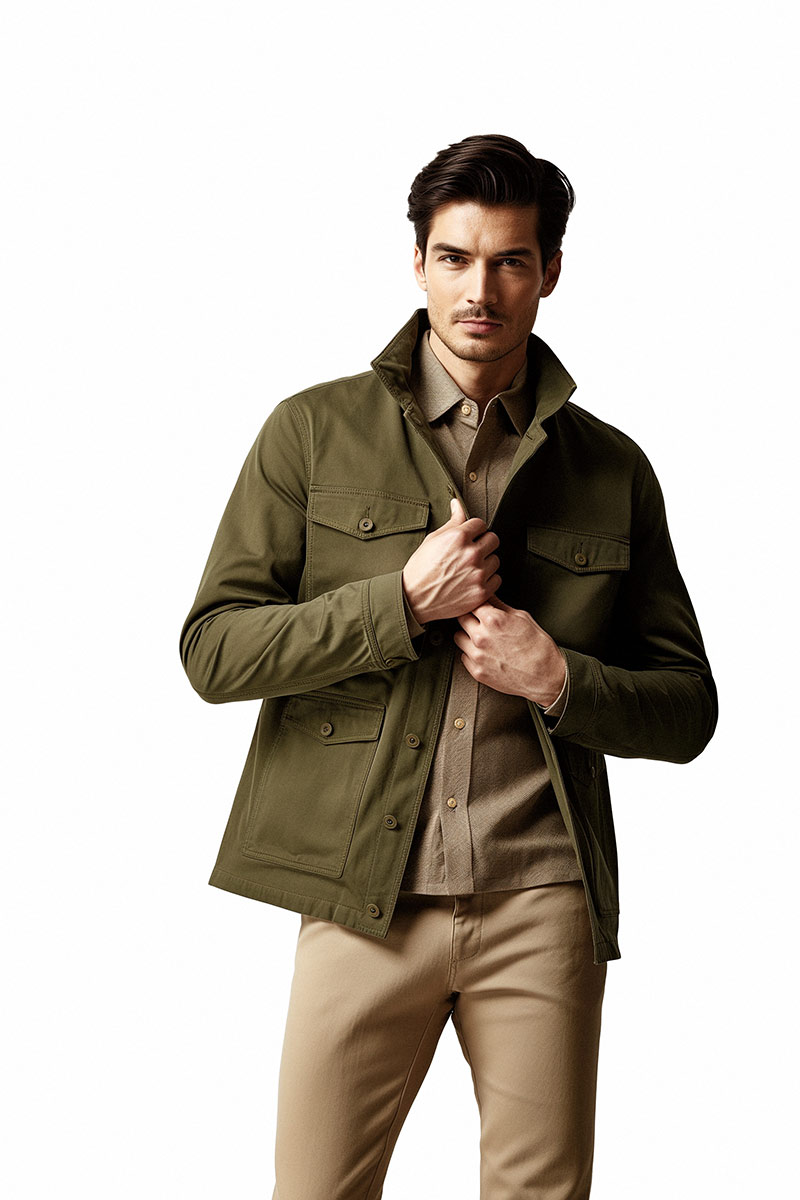
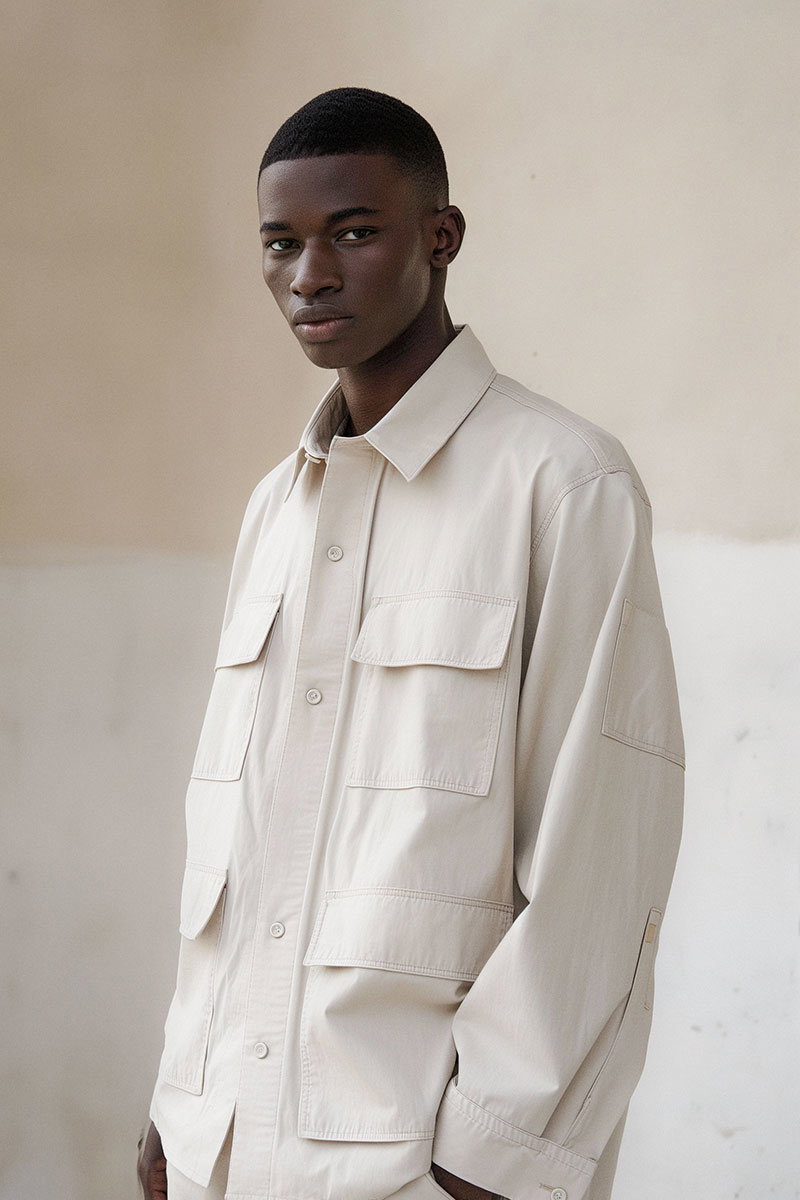
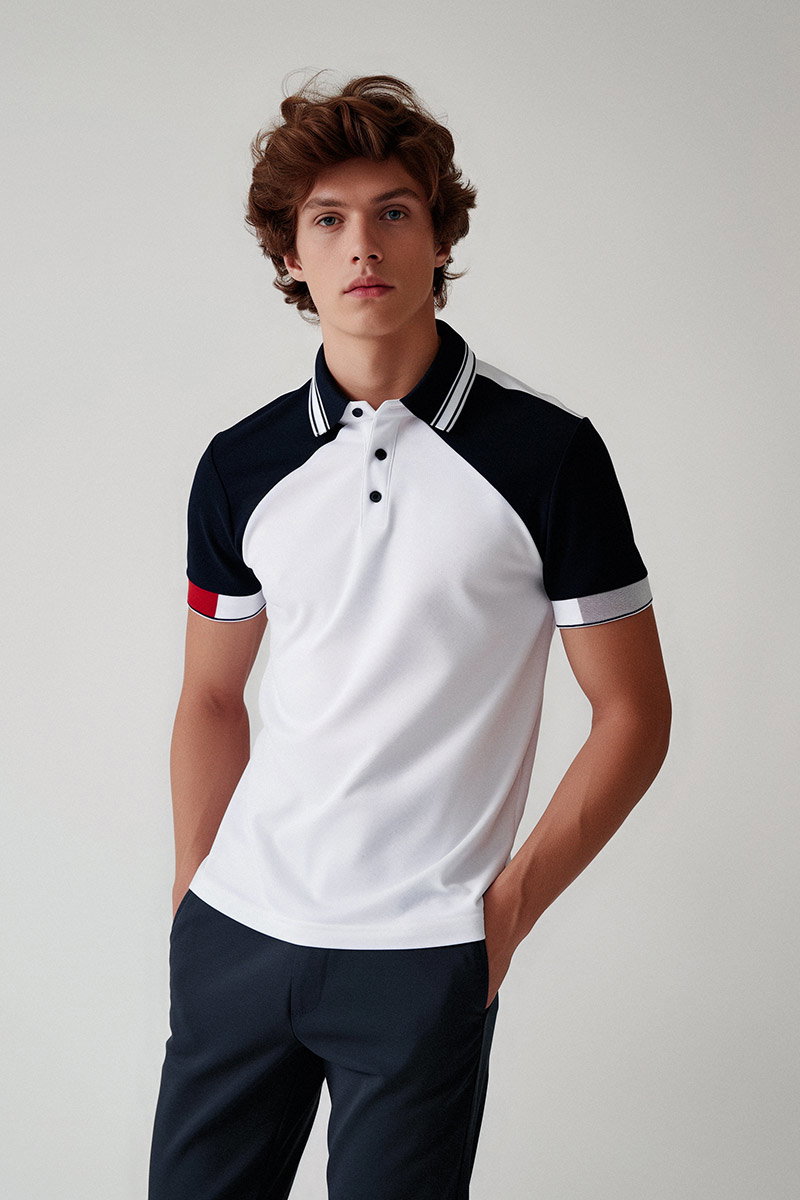
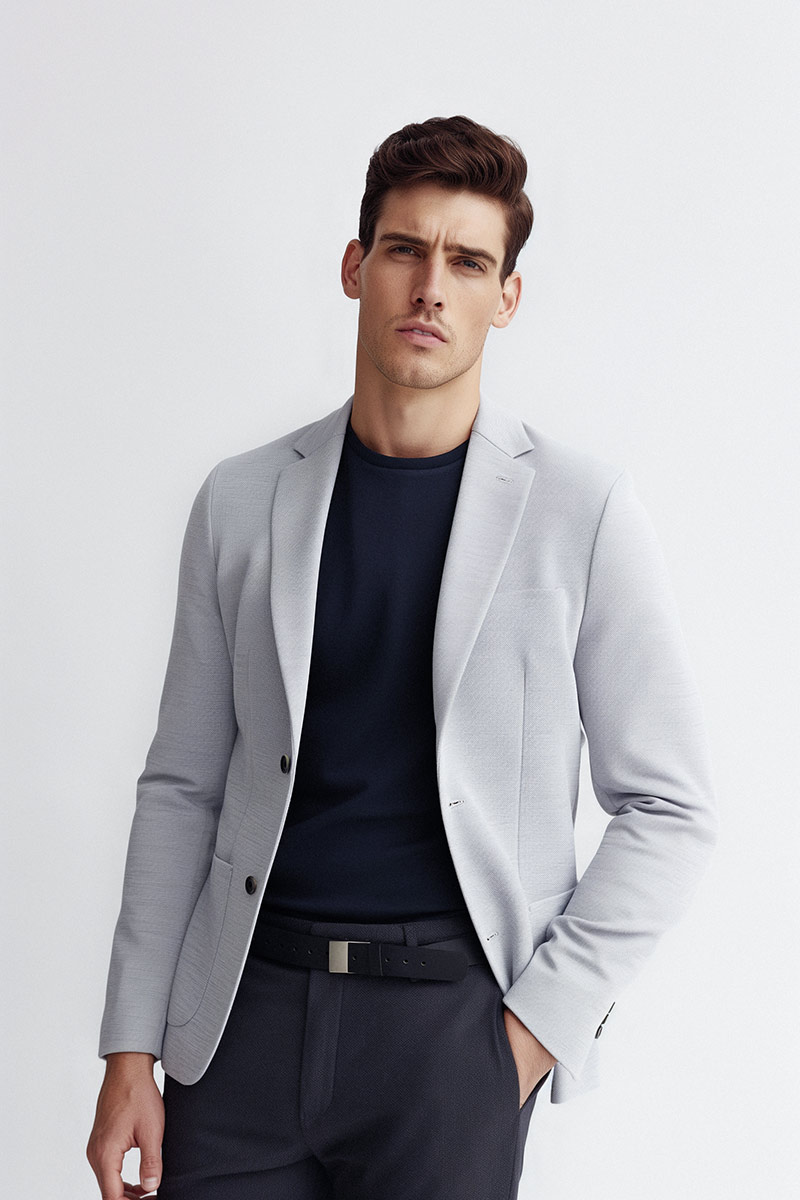
Styling and composition play a vital role in enhancing product images. Effective styling involves arranging products in a way that highlights their features and appeals to the target audience. For instance, incorporating props that complement the product can create a lifestyle context that resonates with potential buyers. Composition techniques, such as the rule of thirds, can guide the viewer’s eye and create a more engaging image. Examples of well-styled product images can serve as inspiration for your own photography.
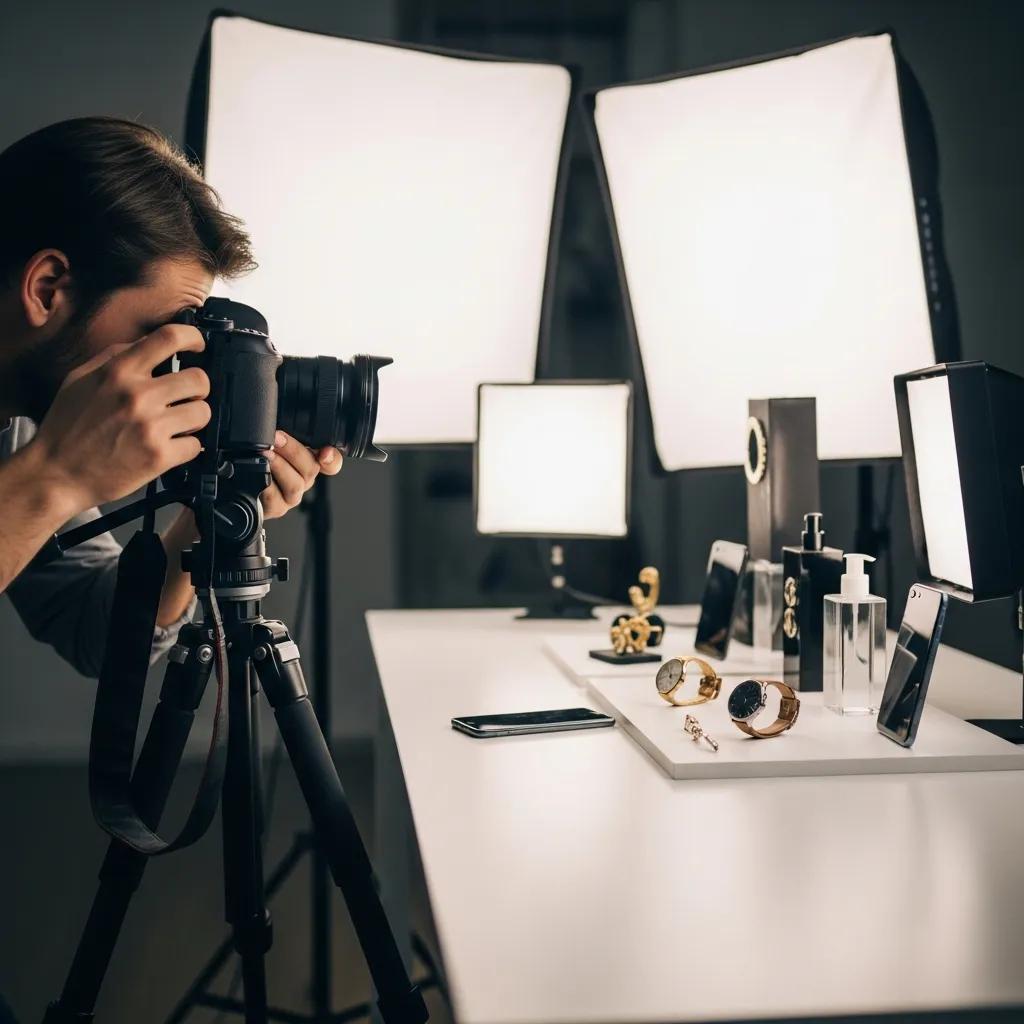
To maximize the impact of your product images, consider implementing professional photography tips that can significantly enhance their effectiveness. These strategies focus on optimizing images for ecommerce platforms and ensuring they resonate with your target audience.
Optimizing product images for ecommerce platforms involves ensuring they meet specific technical requirements while maintaining high quality. Key factors include image size, resolution, and file format. Most platforms recommend using JPEG or PNG formats for their balance of quality and file size. Additionally, images should be at least 1000 pixels on the longest side to ensure they display well on various devices. Proper optimization not only improves loading times but also enhances the overall user experience.
Editing and retouching are essential steps in the product photography process. Common workflows include adjusting brightness and contrast, correcting color balance, and removing any distractions from the background. Software like Adobe Photoshop or Lightroom can be invaluable for these tasks. Consistency in editing style is crucial, as it helps maintain a cohesive look across your product images, reinforcing your brand identity.
Optimizing product images is crucial for improving conversion rates and enhancing the overall shopping experience. Implementing best practices can ensure your images are not only visually appealing but also functional for online sales.
Image optimization is critical for ecommerce conversion rates because it directly affects loading times and user experience. Studies show that faster-loading images lead to lower bounce rates and higher engagement. Additionally, high-quality images can instill trust in potential customers, making them more likely to complete a purchase. By prioritizing image optimization, you can significantly enhance your online store’s performance.
Choosing the right file formats and sizes is essential for fast loading times. JPEG is often preferred for product images due to its efficient compression, while PNG is suitable for images requiring transparency. Aim for a file size under 200 KB without sacrificing quality. Tools like TinyPNG or ImageOptim can help compress images effectively, ensuring they load quickly on your site.
Booking professional ecommerce product photography services can streamline the process of obtaining high-quality images for your online store. Understanding the booking process and available packages can help you make informed decisions.
The booking process with EyeMedia Studios is straightforward and designed to accommodate your needs. Clients can initiate a booking by contacting the studio to discuss their specific requirements. After gathering necessary information, the studio will provide a confirmation and follow-up to ensure all details are in place for the photography session. This seamless process allows you to focus on your business while the professionals handle the photography.
EyeMedia Studios offers a range of pricing and package options tailored to different business needs. Packages may include various services, such as product styling, multiple angles, and post-production editing. Understanding the available options can help you choose the right package that aligns with your budget and photography goals. For instance, a basic package may start at a competitive rate, while more comprehensive options provide additional features for larger product lines.
This table illustrates the different packages offered by EyeMedia Studios, allowing you to select the best option for your ecommerce photography needs.
In conclusion, mastering ecommerce product photography involves understanding the importance of lighting, equipment, and optimization techniques. By implementing these expert tips and considering professional services like those offered by EyeMedia Studios, you can significantly enhance your online store’s visual appeal and drive sales.