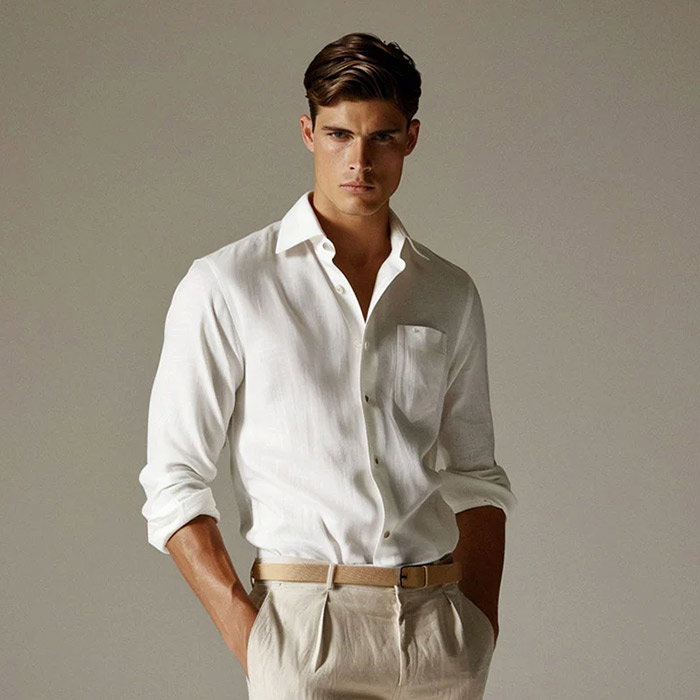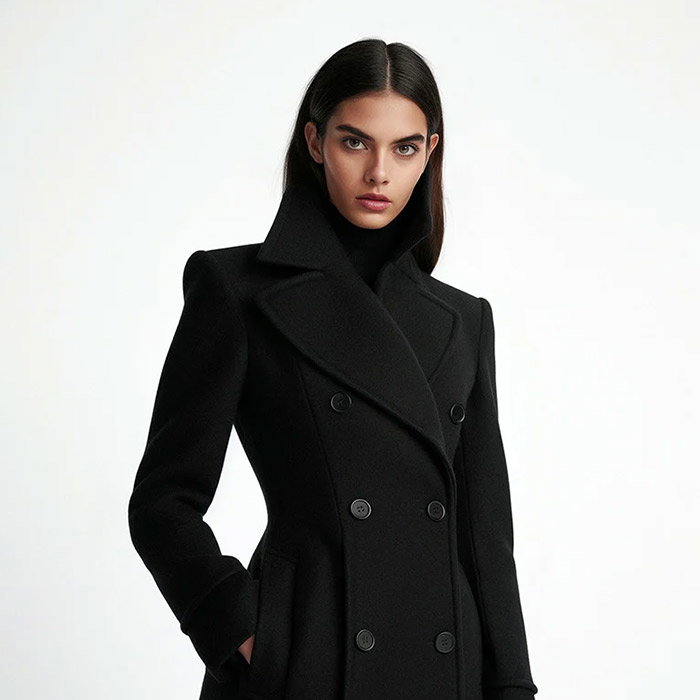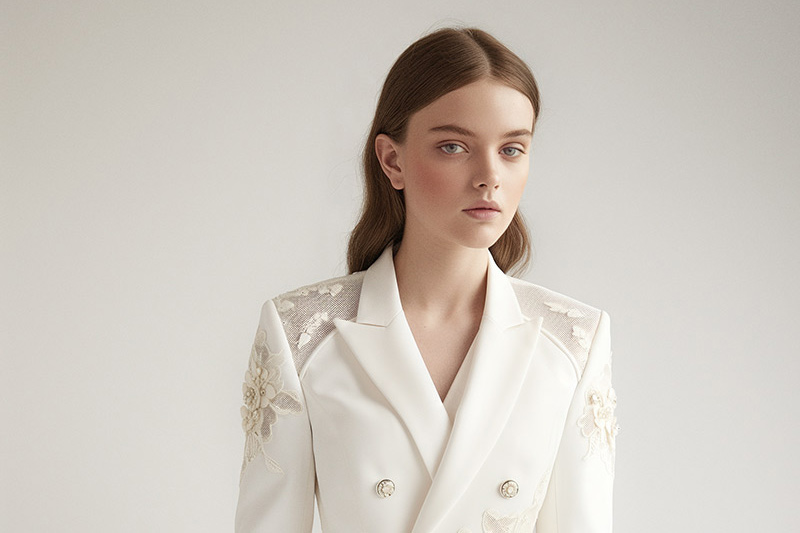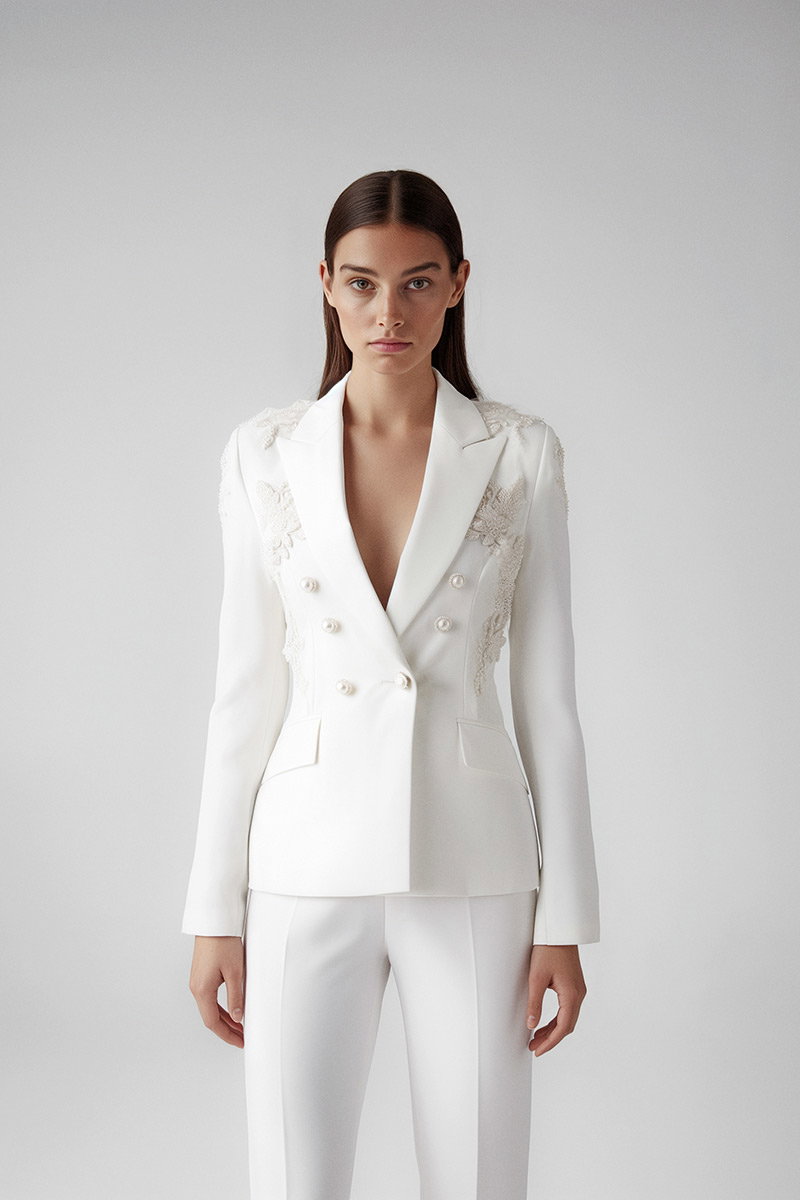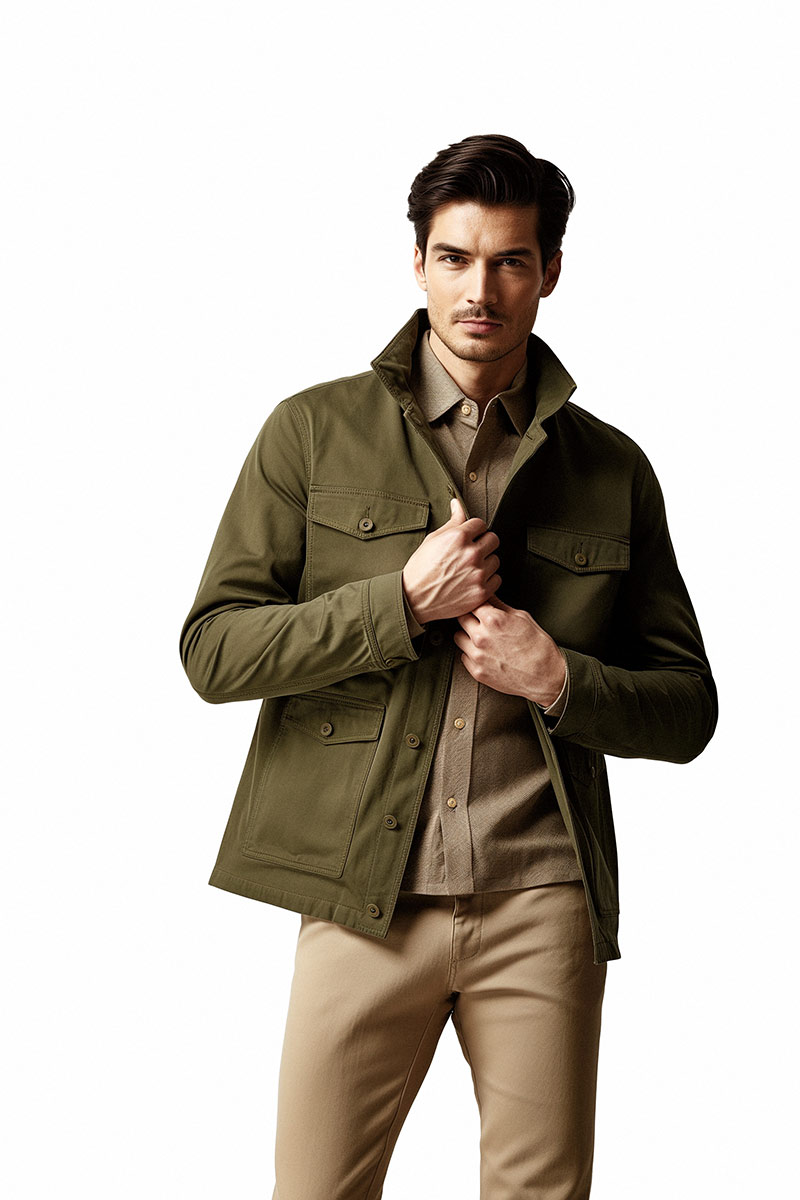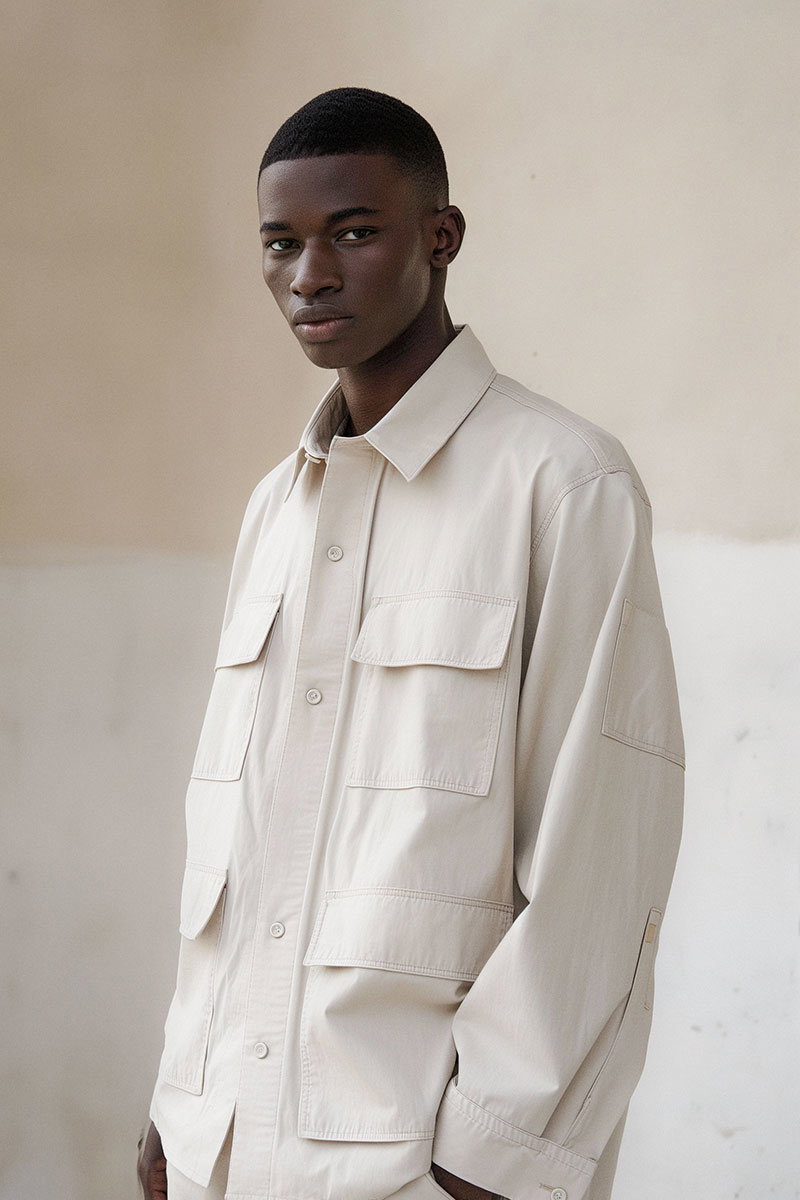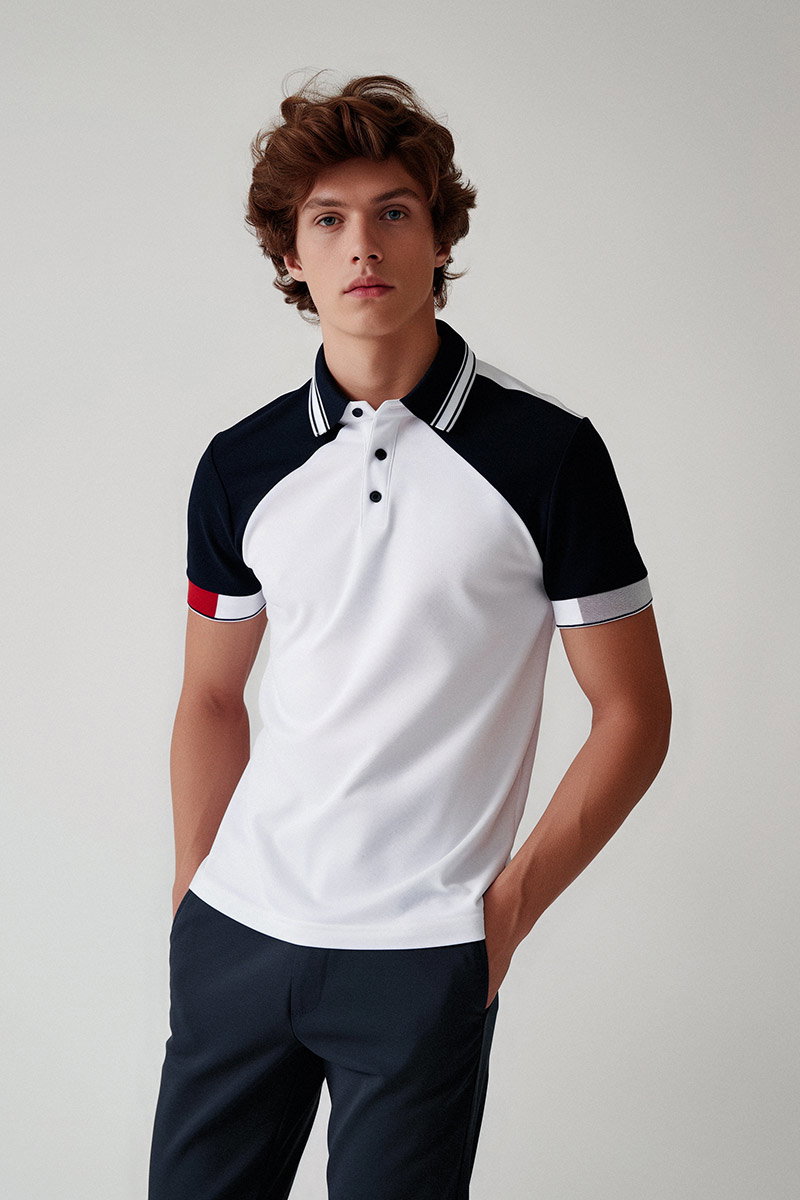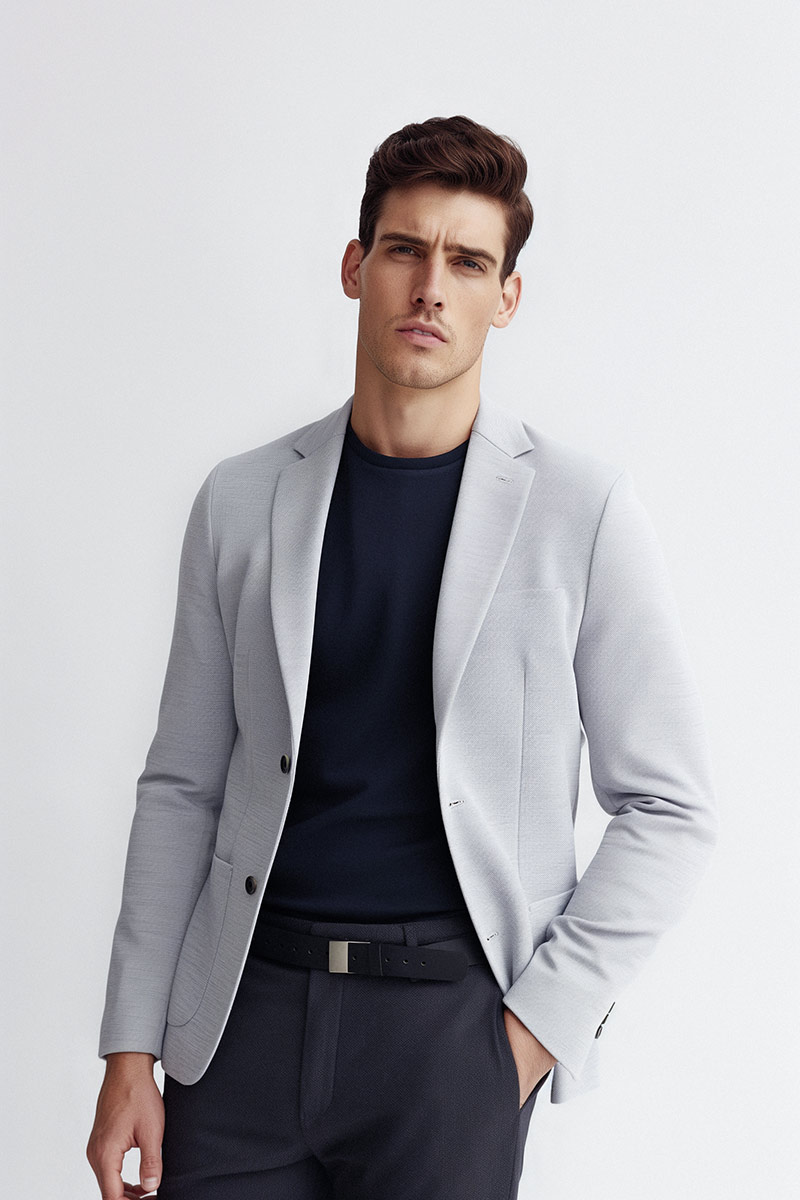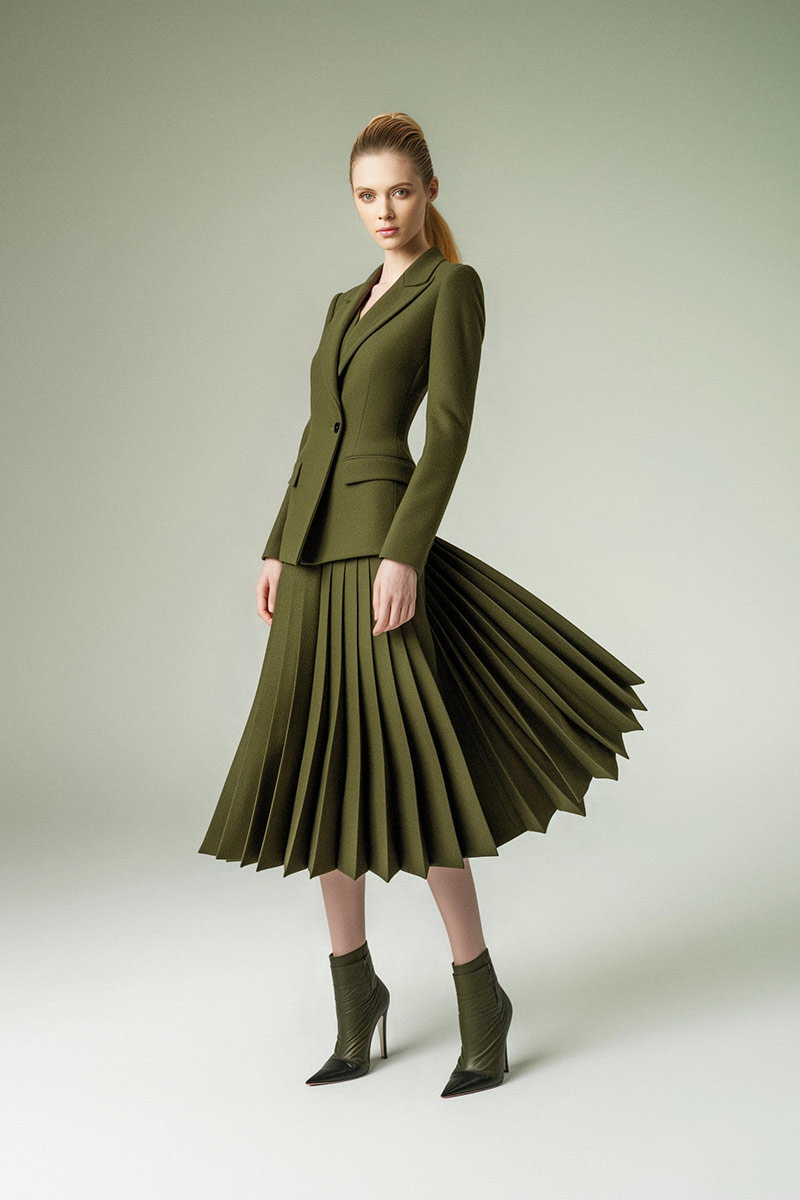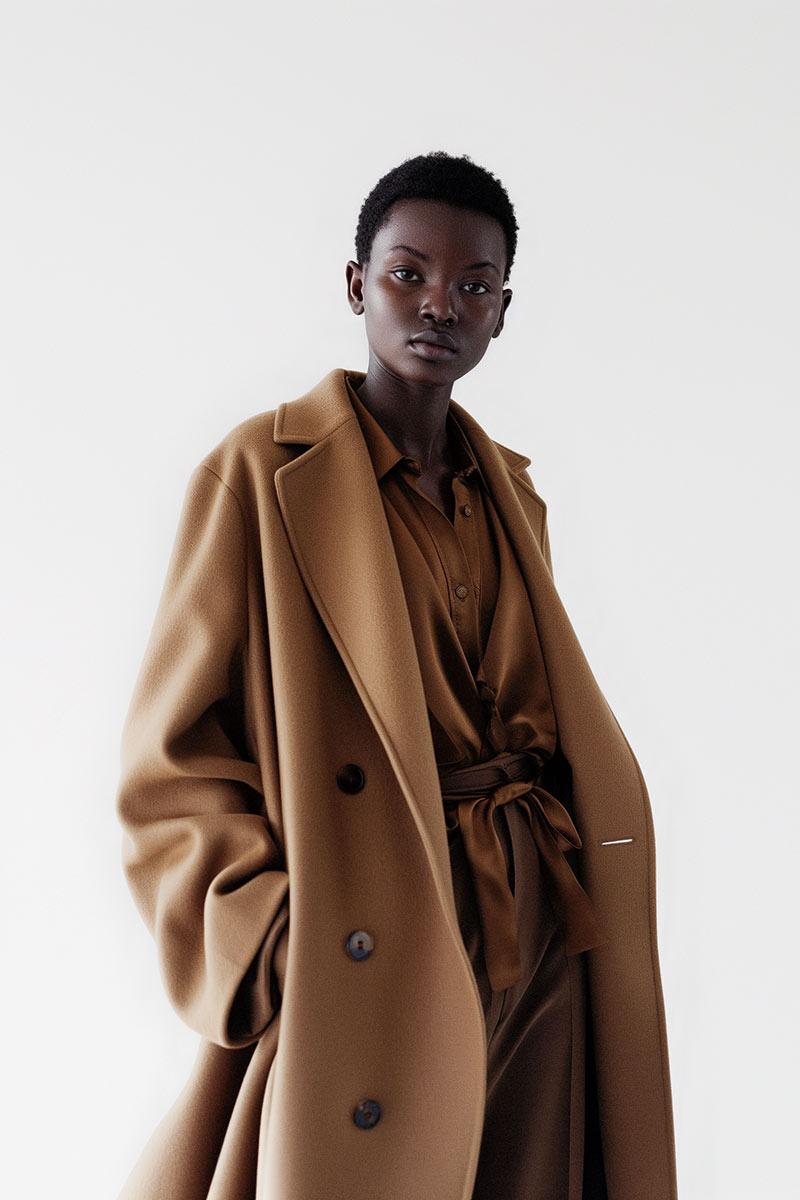
In ecommerce photography, images do the selling. Clear, well-lit photos grab attention, build trust and turn browsers into buyers. This guide walks you through the practical steps we use at EyeMedia Studios to lift the look of your product pages — from lighting and backgrounds to composition, editing and when to call in a pro. Apply these techniques and you’ll see cleaner listings, stronger brand presentation and better conversion potential.
Lighting shapes how customers perceive texture, colour and detail. The right light reveals product quality and avoids misleading shadows or colour casts. Learn to control light and you’ll create images that feel accurate, professional and desirable.
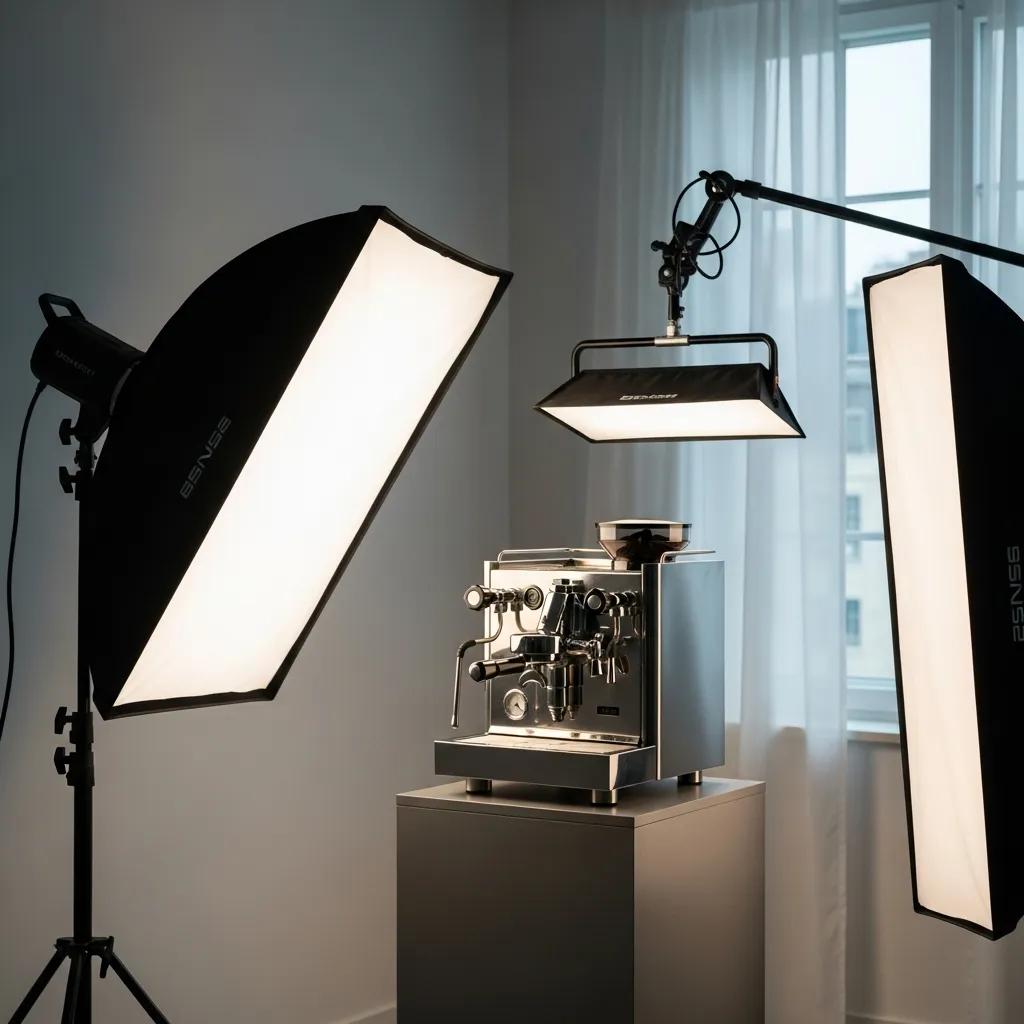
We recommend mixing controlled artificial light with available daylight where possible. Softboxes and continuous LED panels give consistent, even illumination; natural light can add pleasing warmth and accurate tones for fabrics and accessories. Test a few configurations to find what flatters each product type — small items benefit from diffused close light, larger pieces often need broader sources and careful shadow control. In a professional product photography studio, this approach becomes even more vital for showcasing details effectively.
Softboxes and diffusers reduce harsh highlights and soften shadows, which preserves detail and produces a cleaner, more professional image. The gentler light makes textures readable without distracting contrasts — ideal for ecommerce visuals, where clarity and truthful representation are essential.

Your background directs attention. A considered backdrop either isolates the product for clear comparison or places it in a believable context that helps customers imagine ownership. Choose the approach that matches the product and your brand message.
White, seamless backgrounds remove distractions and make products easy to compare across listings. They look clean on category pages and marketplaces, keep focus on the item itself and simplify clipping or retouching later — a practical choice for consistent ecommerce catalogues.
Use lifestyle shots when you want to show scale, use or emotion. Contextual images help customers picture the product in their lives — a styled kitchen shot for cookware or a worn-in look for leather goods. These images add narrative and can lift conversion on hero product pages and social channels.
Composition determines how easily a viewer reads a product image. The right angles and thoughtful framing guide the eye to product features and give a clearer sense of shape and scale — both of which reduce uncertainty and increase purchase confidence in ecommerce visuals.
Shooting multiple angles gives shoppers a fuller picture: front, back, detail and scale shots reduce returns and questions. Composition tools like the rule of thirds create balanced, attractive frames that draw attention to key features without feeling staged.
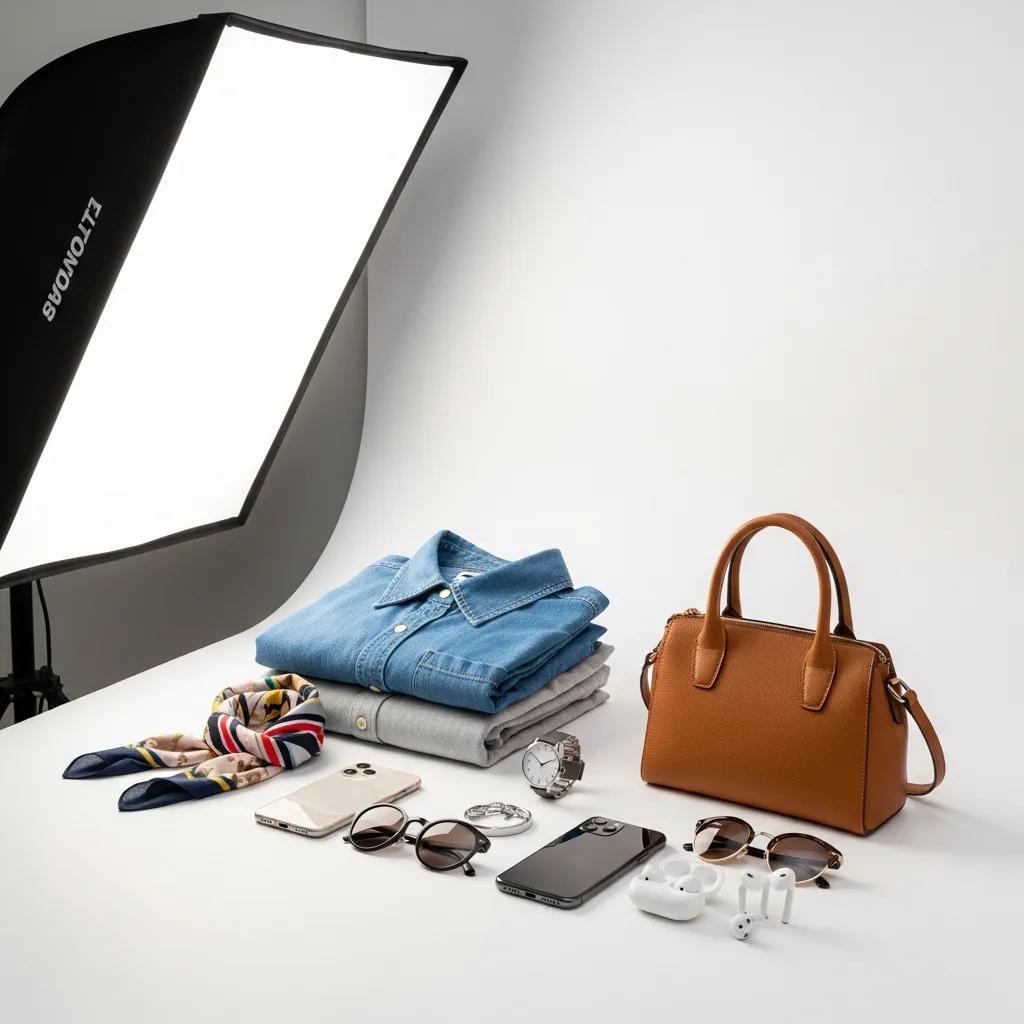
Choose props that support the story — a coaster under a mug, a folded scarf beside a sweater — and keep colours and textures complementary. The goal is to enhance understanding, not steal the show. Minimal, purposeful styling usually works best for ecommerce.
Editing refines raw images into commerce-ready assets. Clean retouching, accurate colour and thoughtful optimisation ensure your photos look consistent, load quickly and represent the product honestly — essential for conversion and brand credibility.
Start with colour correction to match the real product, then remove distractions and correct small surface blemishes where appropriate. Maintain texture and detail while ensuring consistency across a product set — accuracy builds trust and reduces complaints.
Removing distracting backgrounds focuses attention and helps create uniform catalogue pages. Optimising files for the web — the right format, dimensions and compression — improves page speed and user experience, which in turn supports higher conversion rates.
DIY photography can work for small runs or prototypes, but there are clear moments to bring in a studio: when volume, consistency and brand presentation matter, or when products need specialist techniques. Investing in professional photography pays off when imagery becomes a core part of your customer experience.
Professional studios supply controlled lighting, calibrated colour workflows, consistent retouching and efficient turnarounds. That expertise improves perceived value, reduces time spent fixing images and produces assets ready for product pages, ads and social media.
At EyeMedia Studios we combine over 30 years’ experience with ecommerce-tested workflows — from ghost mannequin and flat-lay to fashion bag shoots. We focus on accuracy, consistency and visuals that sell, delivering files optimised for your ecommerce visuals and audience.
Advanced styles add interactivity and realism that help shoppers commit. Use them selectively — they’re most effective for hero products or ranges where visual differentiation matters.
360-degree spins let shoppers inspect every angle, closing the gap between online and in-person shopping. Ghost mannequin techniques present clothing naturally without distractions, helping customers judge fit and silhouette more confidently.
Lifestyle images communicate how a product fits into a customer’s life — they’re powerful tools for building emotional connection, communicating values and inspiring purchase intent beyond the product’s specs.
Different editing techniques deliver distinct benefits through specific mechanisms.
This comparison shows how targeted editing choices improve image clarity, trust and shopper engagement — all of which support better sales performance.
Start simple: a reliable camera (or a modern smartphone), a sturdy tripod, and basic lighting such as softboxes or reflectors. A macro or standard prime lens helps for detail shots, and a backdrop stand with seamless paper or fabric keeps your images tidy. Finally, choose accessible editing software so you can colour-correct and optimise files for the web.
Focus on light and consistency. Use natural daylight or a soft continuous light source, keep backgrounds uncluttered, and shoot multiple angles. Use a tripod for sharpness and learn basic editing to correct colour and exposure. Regular practice and analysing other product pages will speed up improvement.
Watch for poor lighting, busy backgrounds, camera shake and inconsistent editing. Avoid relying on a single shot — show multiple angles and details. Lastly, don’t skip optimisation: oversized files slow pages and harm user experience.
Resolution matters because customers often zoom to check details. Provide high-quality source files, but export appropriately sized, compressed images for the web so pages load quickly. Aim for the best balance between detail and performance.
Branding creates a consistent visual language across your product imagery — colour palettes, lighting style and composition all signal who you are. Cohesive imagery builds recognition and helps your products stand out in a crowded ecommerce visuals.
Share high-quality, platform-tailored images on Instagram, Pinterest and Facebook. Use relevant hashtags, tell the product’s story in captions and post behind-the-scenes content to engage followers. Collaborations with influencers or customers can also expand reach and bring real-world context to your imagery.
Good product photography reduces uncertainty and sells more reliably. By mastering lighting, background choices, composition and careful editing — or by partnering with a studio — you’ll create consistent assets that reflect your brand and boost conversions. Start applying these practical tips today and watch how clearer visuals improve your online performance.
Bill Gidda is a Senior Product Photography Specialist at EyeMedia Studios, London, with over 30 years’ experience in ecommerce photography. He works with brands to translate product features into clear, convincing imagery — from lighting and composition to retouching and platform optimisation. Bill’s approach is practical and results-driven: create accurate images that make shopping online feel straightforward.