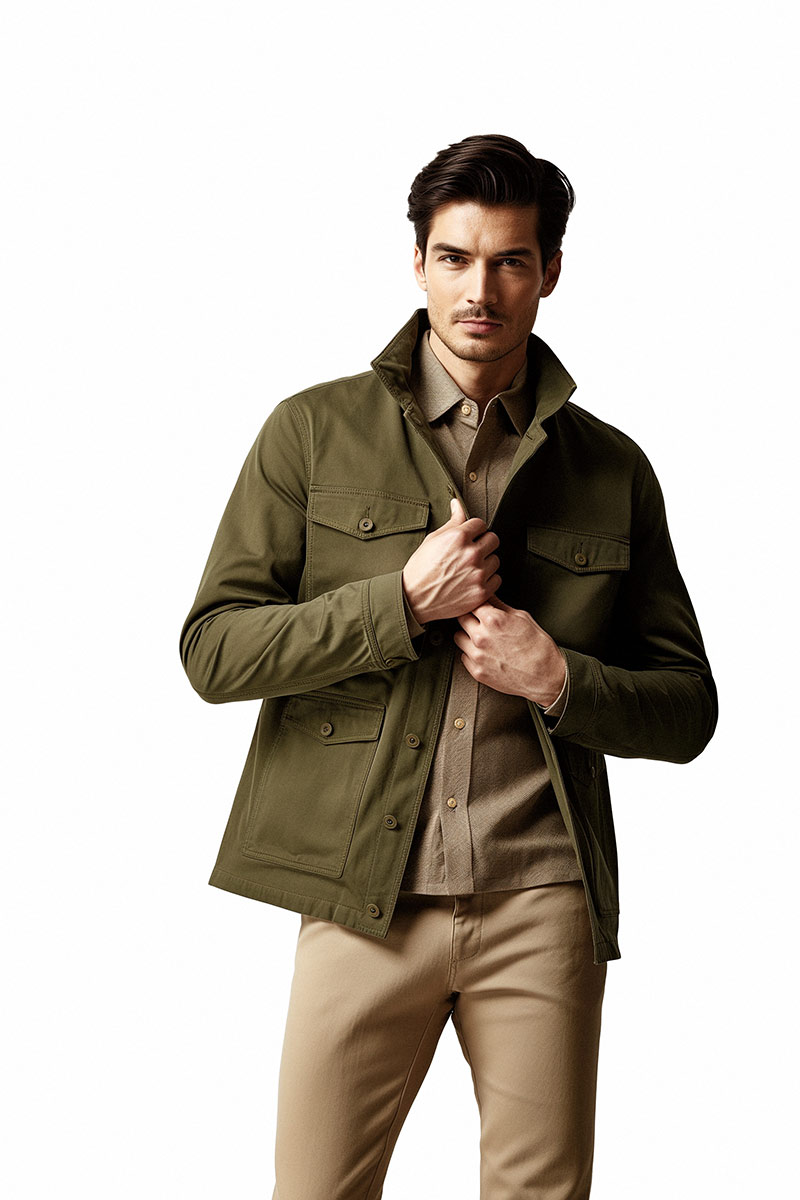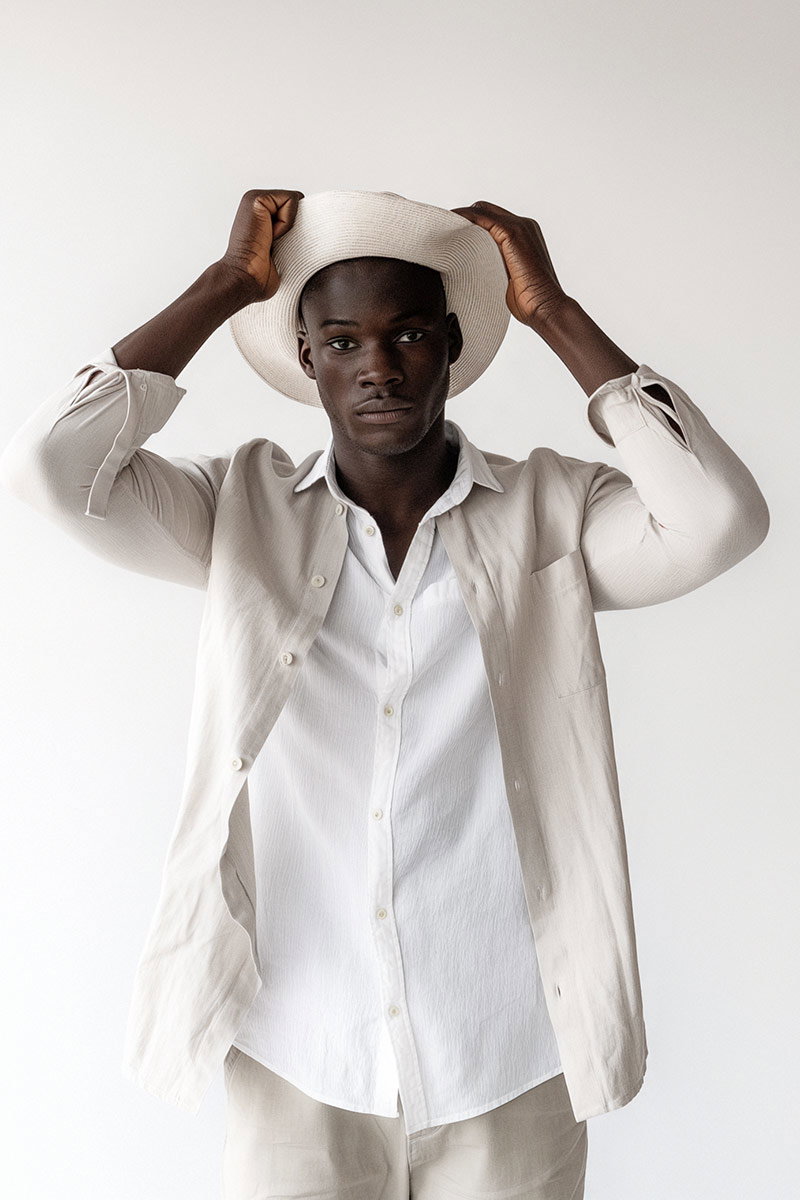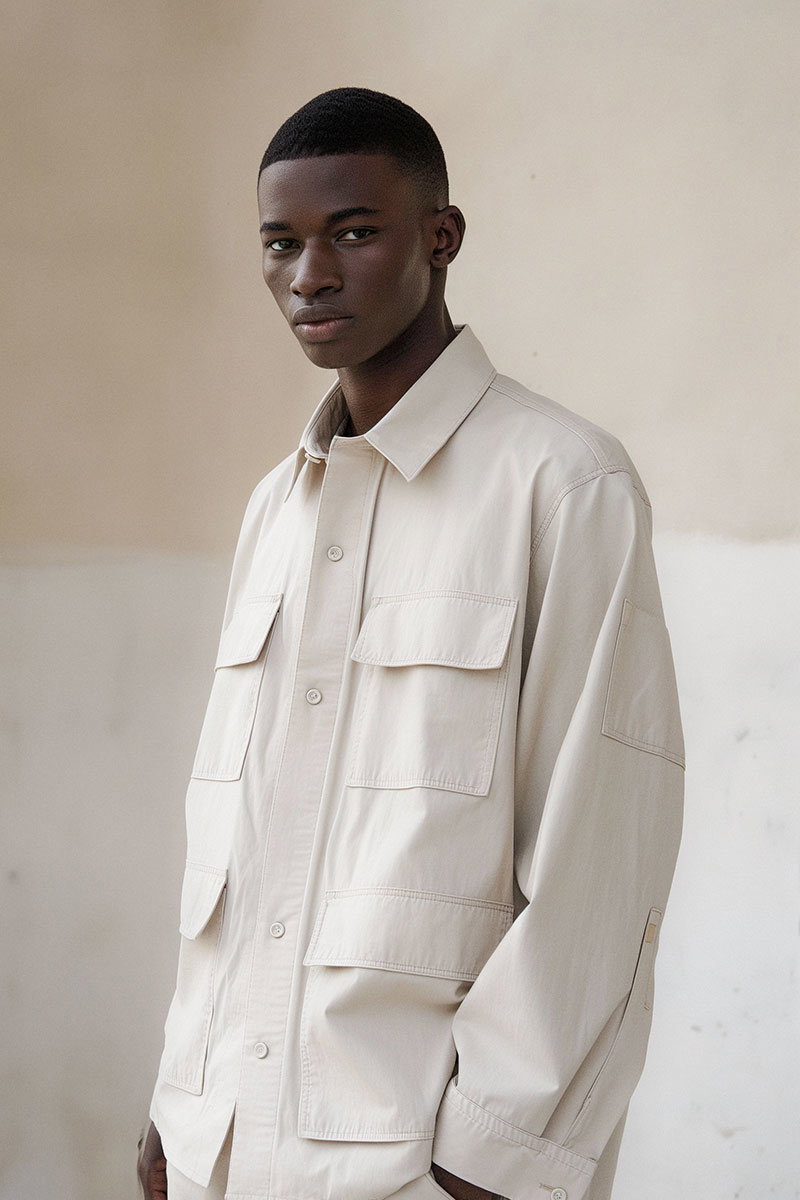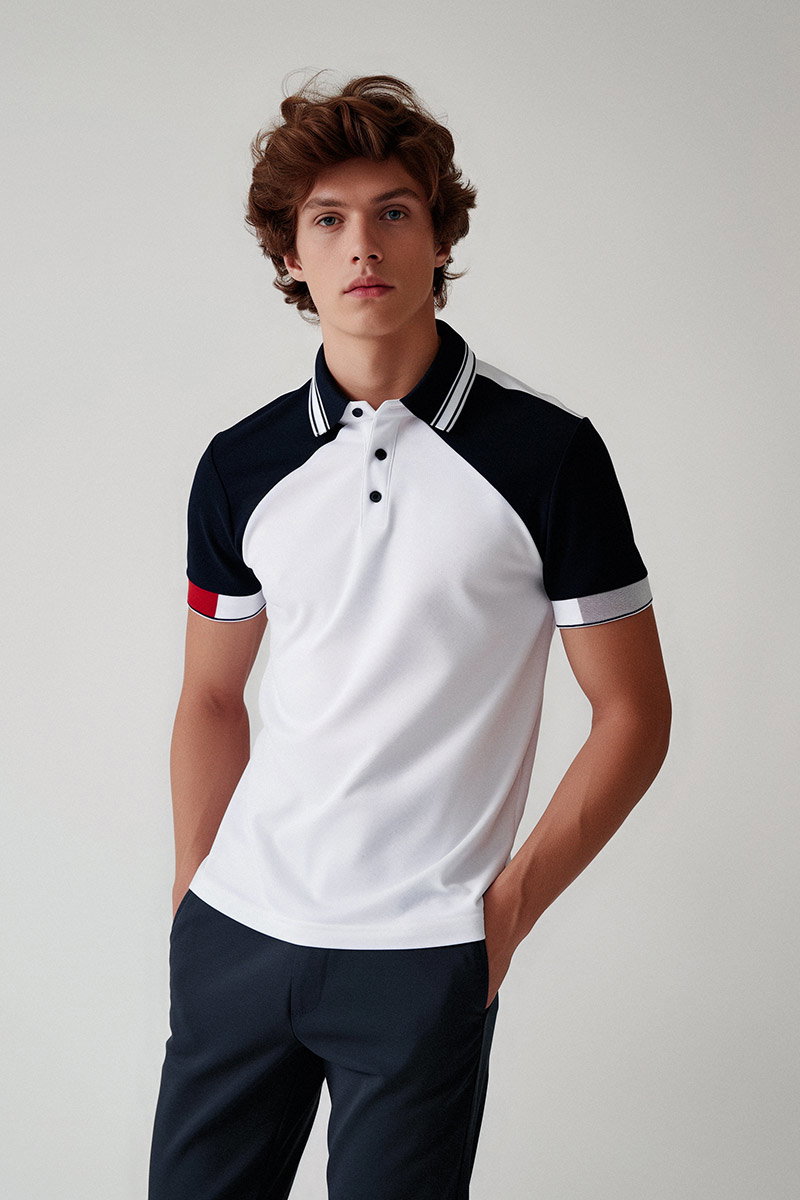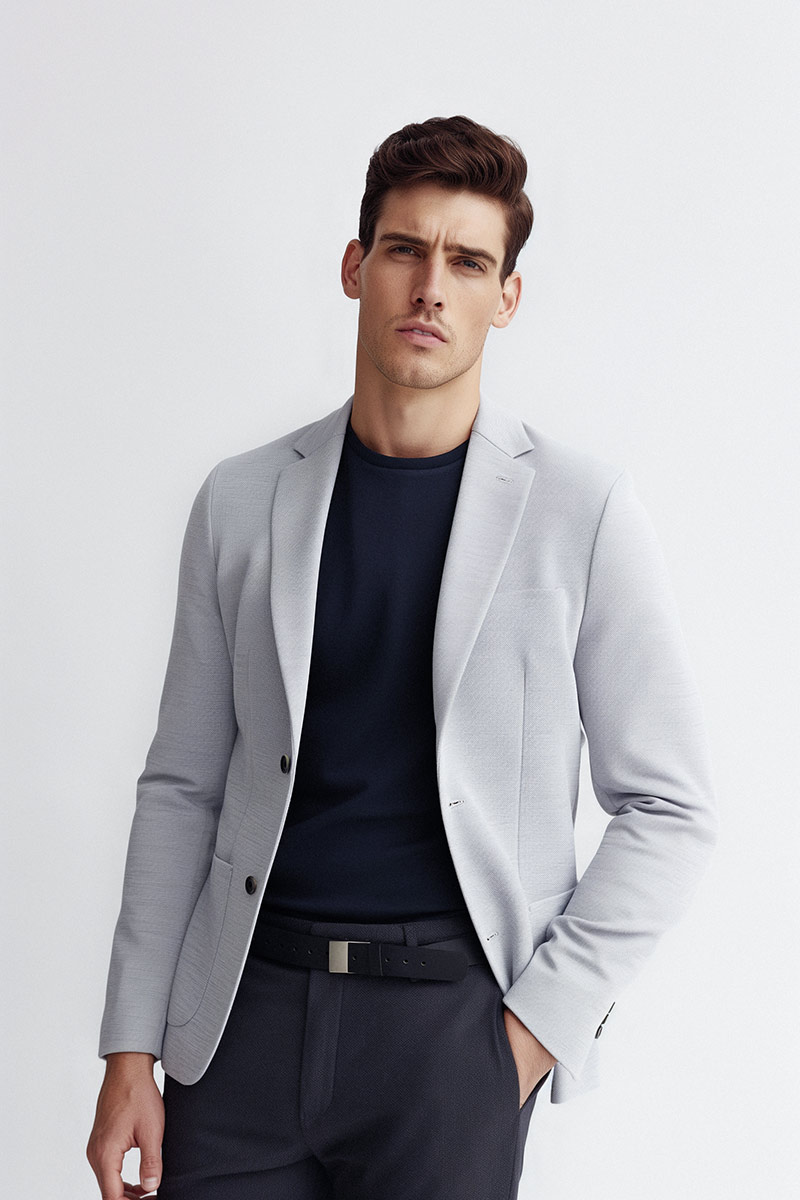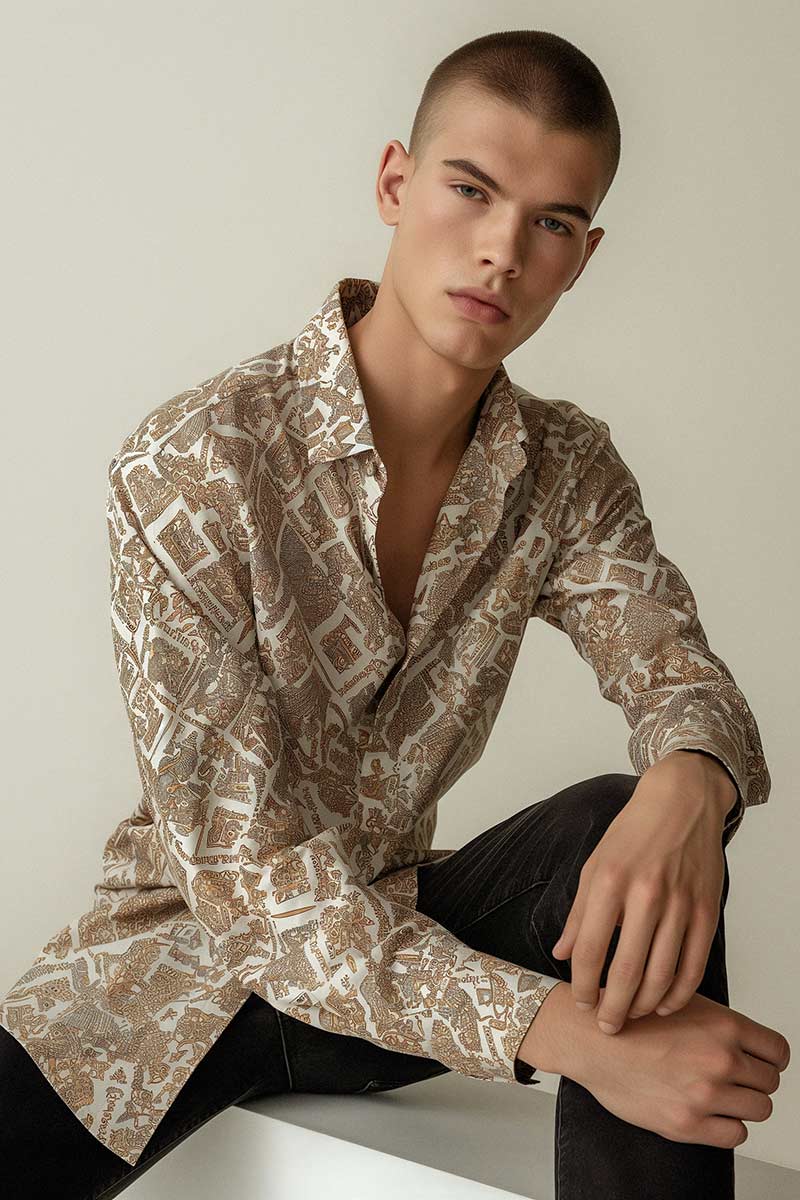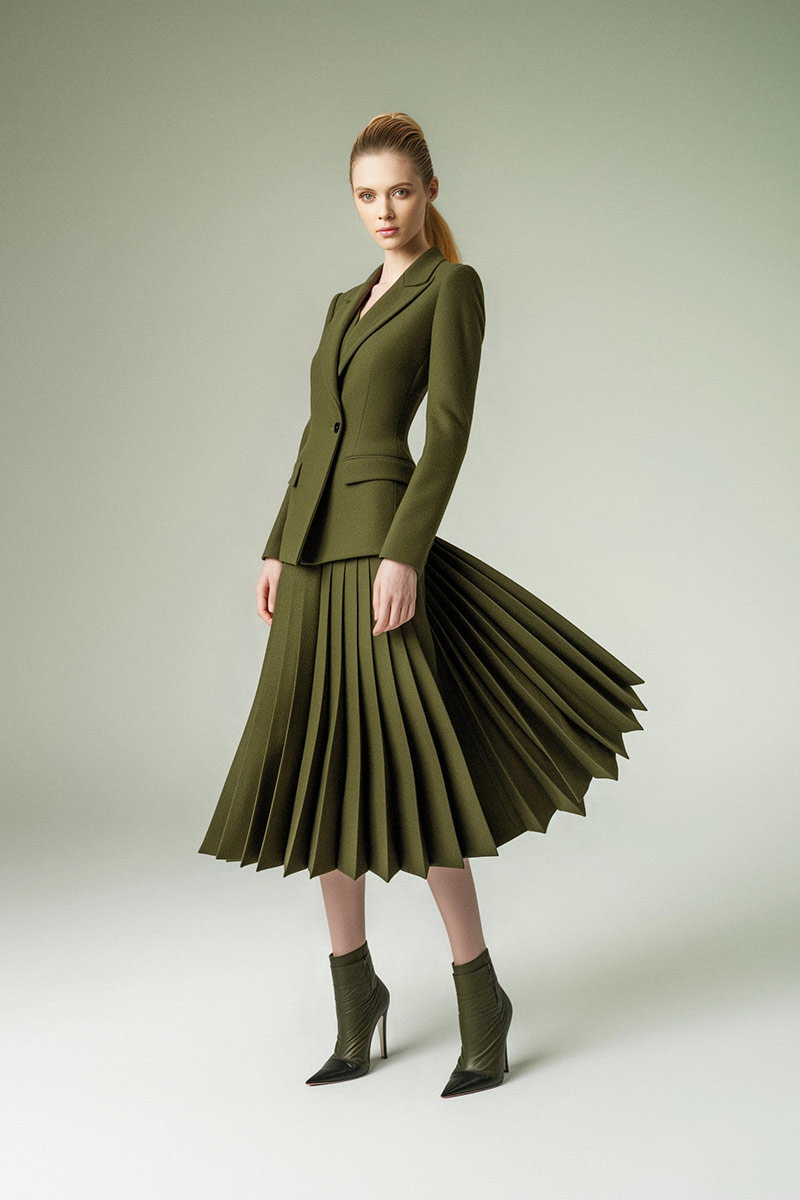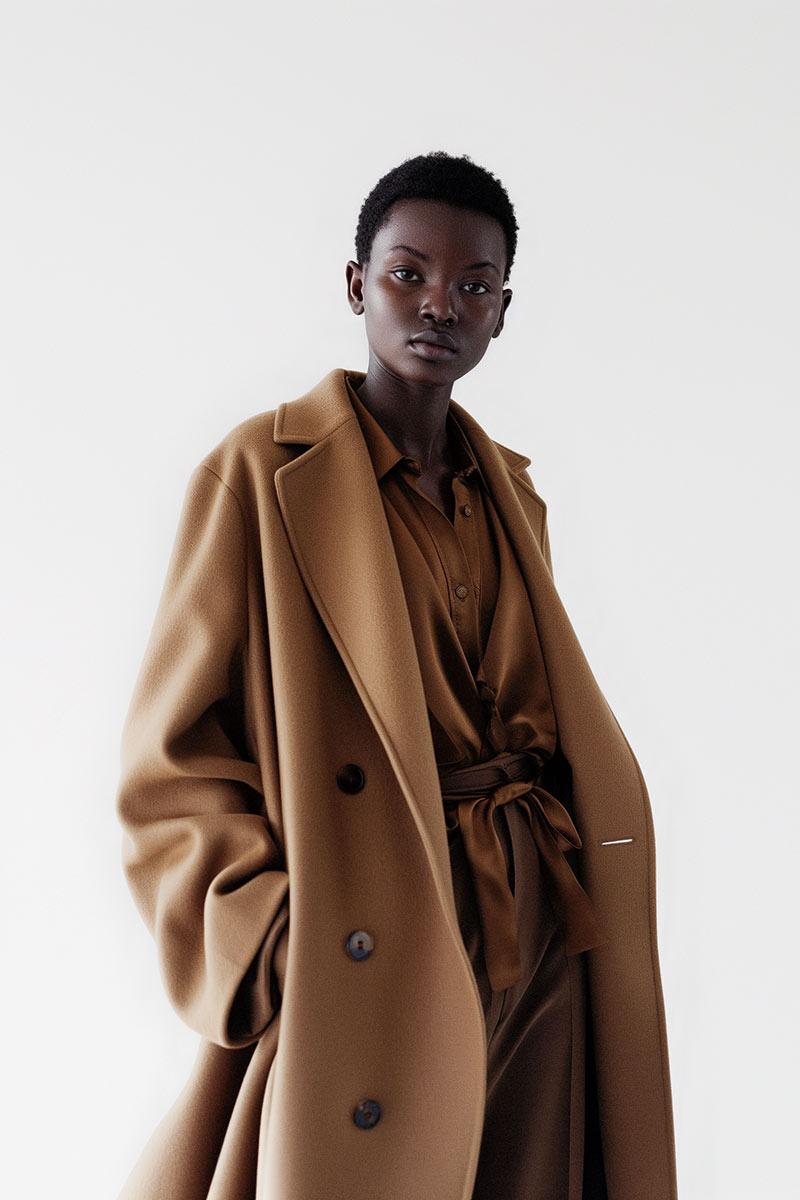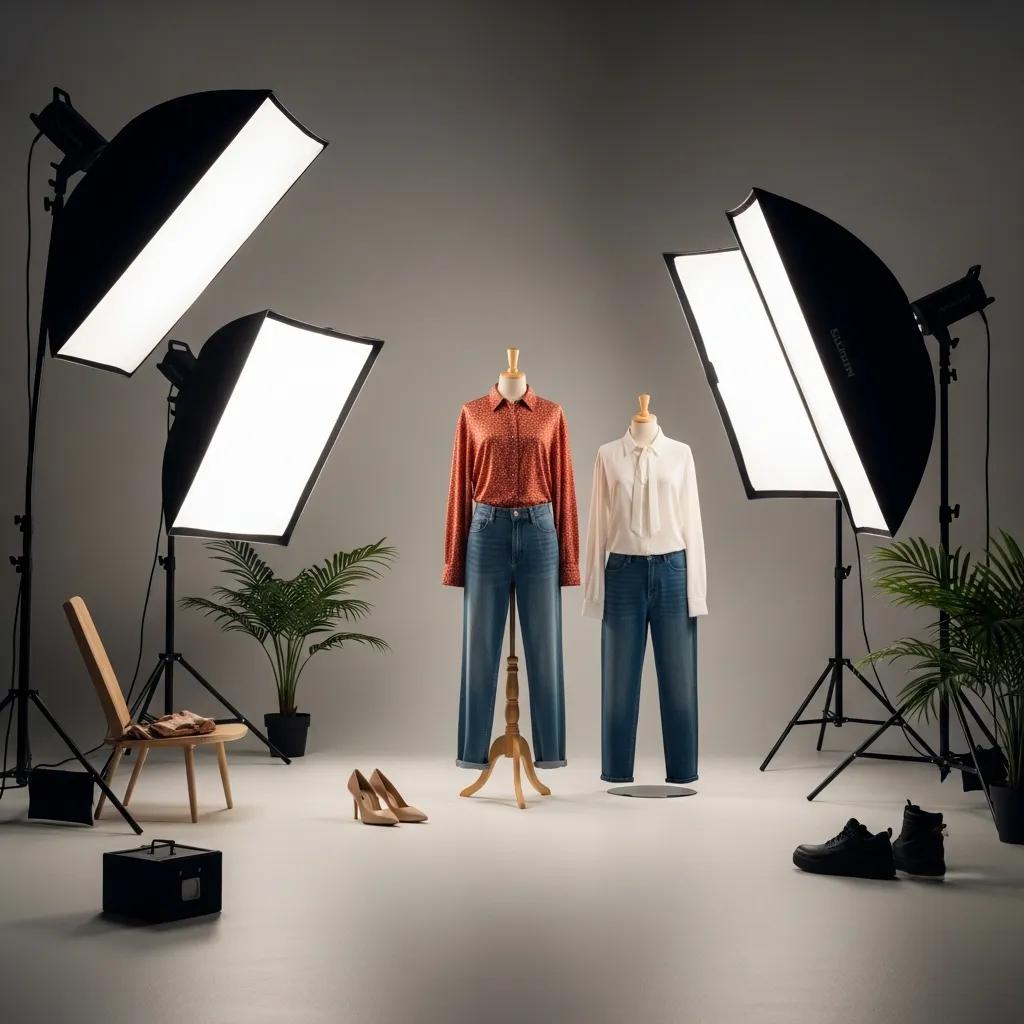
In today’s crowded fashion ecommerce market, great clothing photography is non-negotiable. Strong product images grab attention, build trust and directly influence purchase decisions. This guide walks you through practical, studio-tested techniques to make garments look their best online. We cover lighting that reveals fabric and colour, model direction that sells fit and movement, ecommerce-ready shoot setups, efficient post-production workflows, and what to expect when booking a pro session. Put these tactics into practice and you’ll lift the quality of your visuals — and your conversion rates.
Lighting defines how a garment reads on screen — from texture and drape to true-to-life colour. The right approach highlights details without overpowering the design. Learning which setups flatter specific fabrics and styles is the first step to consistently strong product photography.
Build a dependable lighting rig by choosing the right tools — softboxes, diffusers or ring lights for even coverage, plus fill and back lights to control depth. Aim lights at roughly a 45° angle to reduce harsh shadows and add a subtle rim or background light to separate the subject. Keep the background evenly lit and avoid on-camera flash, which causes hot spots and reflections. Always check and correct white balance on set so colours remain accurate through to delivery.
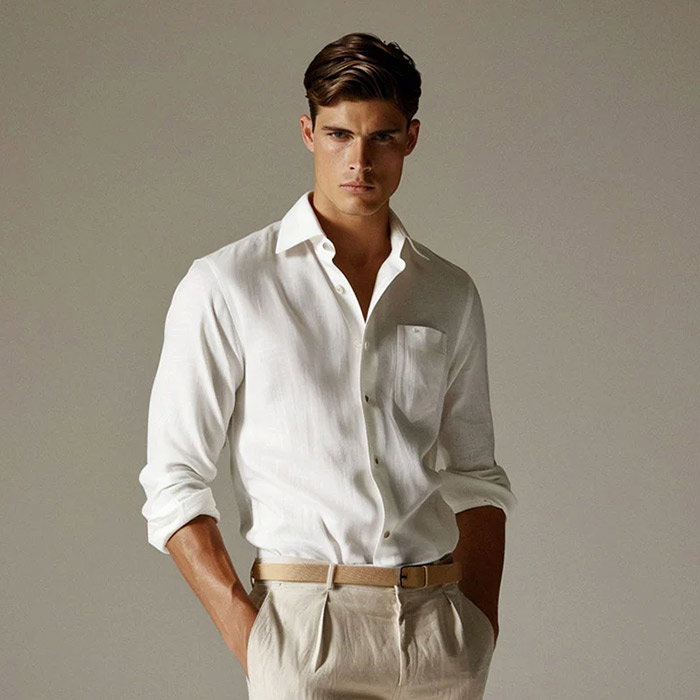
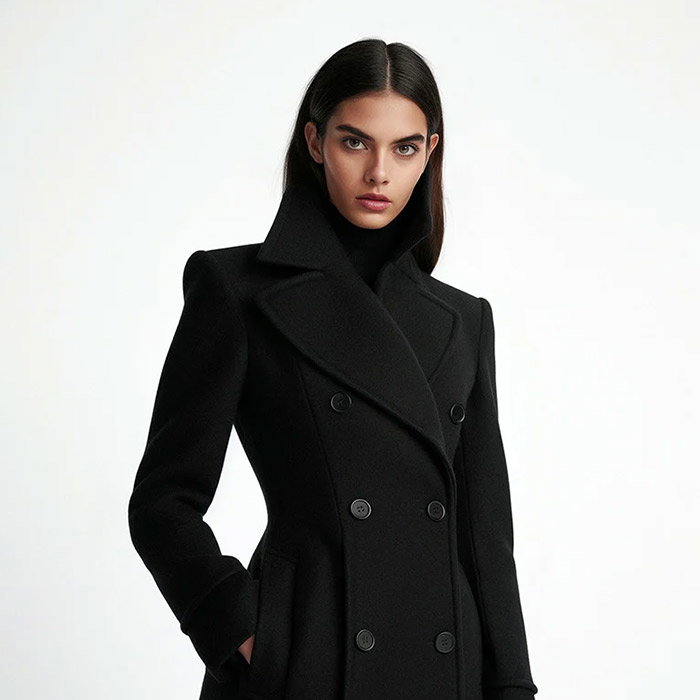
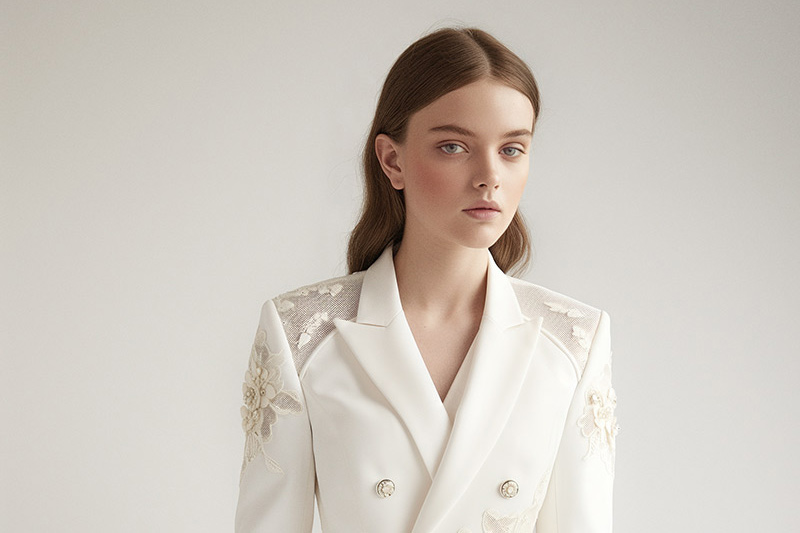
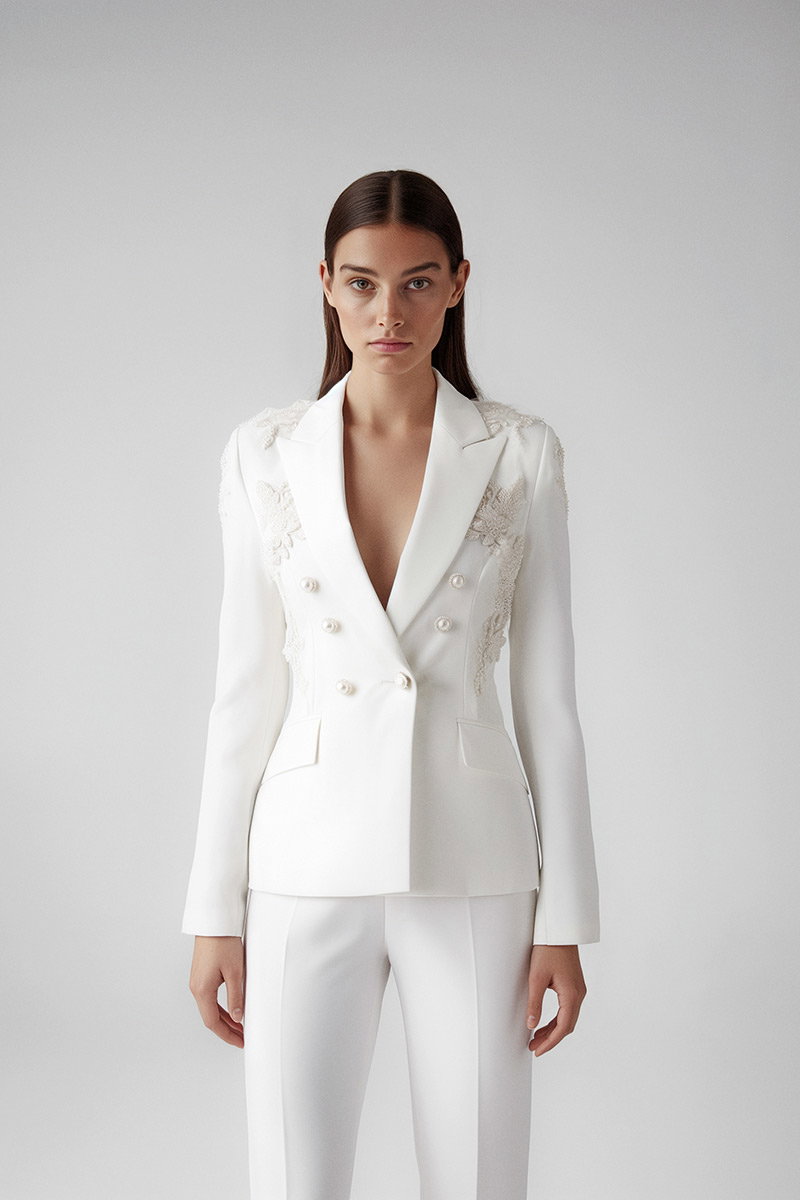
Different materials call for different light. Use soft, diffuse light to flatter delicate knits, silks and prints — it keeps highlights gentle and preserves surface detail. Harder, directional light works well for structured or tailored pieces where you want to show seams and silhouette. Natural light is excellent for lifestyle or seasonal campaigns, especially when diffused (cloud cover or shade) to avoid contrast extremes. Match the lighting to the fabric and the story you want the product to tell.
Posing is where clothing comes to life. The way a model stands, moves and interacts with the garment communicates fit, flow and function. Thoughtful posing reinforces brand tone and helps shoppers imagine wearing the piece.
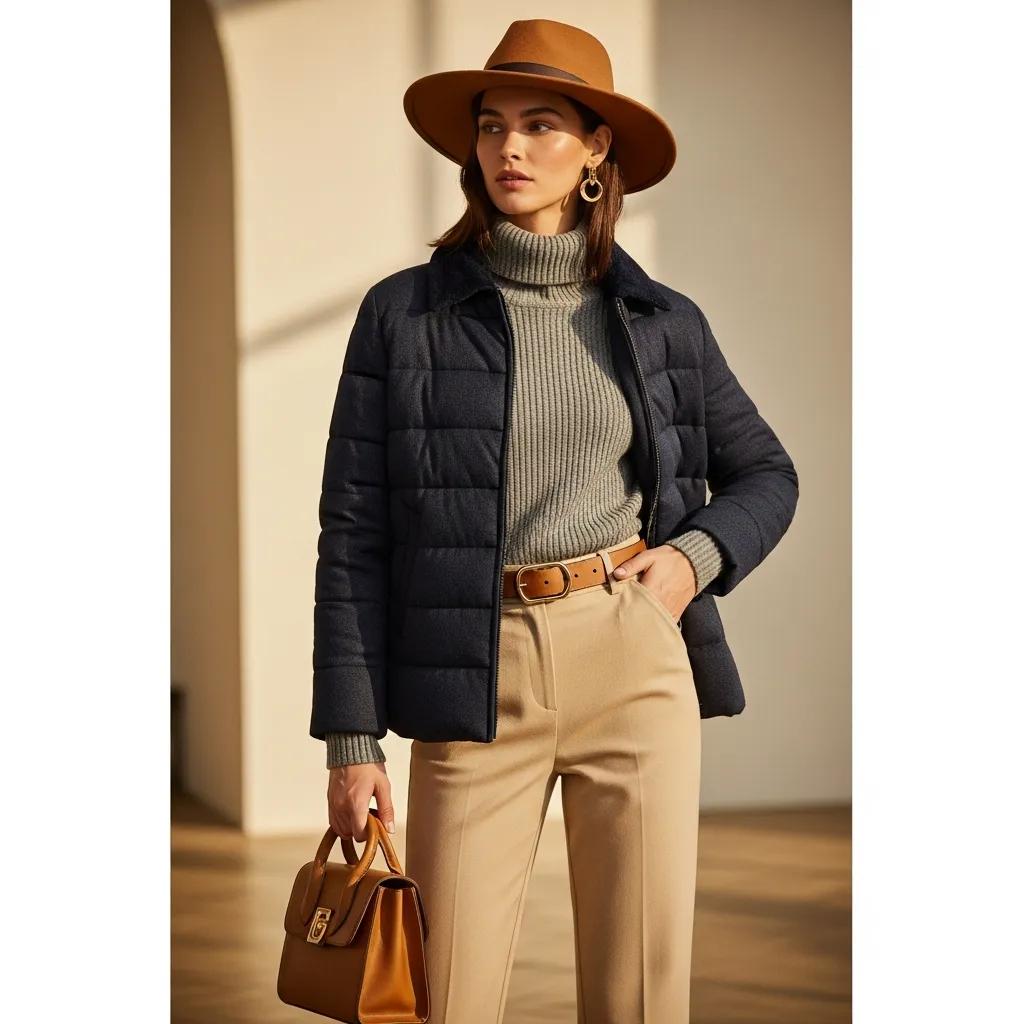
Start with simple, natural positions that show silhouette and key details: a slight hip tilt, relaxed shoulders and subtle weight shifts. Encourage movement — a gentle turn or walk can reveal how fabric falls and how seams behave in motion. Vary poses to capture front, side and back views as well as close-ups on details like collars, cuffs or textures. Keep direction clear and positive so models feel confident and shots remain authentic.
Styling sets the context for the garment. Accessories, hair and makeup should complement the product and the audience you’re targeting. A minimalist look supports a premium, timeless brand; trend-forward pairings appeal to younger, fashion-led shoppers. Align styling with your brand story so every image reinforces the message you want customers to take away.
An ecommerce shoot should be planned for speed, consistency and output quality. Decide image formats, background styles and vantage points before you shoot so the team works efficiently and all assets are ready for product pages, social and advertising.
Deliverables must meet platform specs: high-resolution files, properly cropped and showing all necessary views. Use a clean, neutral background for product listings and lifestyle or model shots for editorial pages. Optimise file names and alt text with descriptive, keyword-friendly phrases to aid SEO and accessibility. Consistent sizing, aspect ratios and naming conventions make batch uploads and marketplace listings painless.
Most shoppers browse and buy on phones, so images must look great on small screens. Prioritise clarity at thumbnail size: strong composition, readable details and quick-loading images. Use compressed but high-quality files, test thumbnails in context, and ensure zoomed-in views retain crispness. Mobile-first thinking lifts conversions across devices.
Post-production refines the story you shot. Careful retouching corrects colour, removes distractions and sharpens details while keeping the garment realistic. Aim for a consistent final look across the catalogue so every product photography feels like it belongs to the same brand family.
A reliable workflow usually begins with importing and rating selects, followed by global adjustments — exposure, contrast and white balance — to ensure colour accuracy. Spot-retouch unwanted marks with healing tools, handle background cleanup, then apply selective sharpening and noise reduction. Finish by exporting in formats and sizes required for each platform, keeping master files for future edits.
AI tools speed up repetitive tasks — background removal, colour matching and initial skin or fabric corrections — so retouchers focus on creative decisions. When used thoughtfully, AI delivers faster turnaround and consistent results, while final human checks preserve brand nuance and prevent over-processing. This is particularly beneficial in clothing photography.
Booking a professional shoot is easier when you know what to expect: clear briefs, timeline, deliverables and costs. Being prepared with moodboards, size ranges and model requirements helps the shoot run efficiently and keeps budgets on track.
Before the shoot: share your brand brief, select the pieces and provide measurements or size guides, choose models and finalise props and backgrounds. Confirm location logistics and any permit needs for outdoor shoots. A short pre-shoot call saves time on set and helps everyone deliver the right images.
Transparent pricing covers session fees, retouching rates and any additional costs like location hire or casting. Many clients prefer packaged options that bundle consultation, shooting and post-production into predictable costs. Clear contracts and example deliverables prevent surprises and build trust.
The table above summarises EyeMedia Studios’ core clothing photography services and starting prices so you know what to expect when planning a shoot.
Mastering these practices will noticeably improve your apparel imagery and how customers perceive your brand. Focus on lighting, purposeful posing, a workflow designed for ecommerce, and consistent post-production. If you’d rather partner with specialists, EyeMedia Studios in London creates tailored visual content for fashion brands — from product catalogue work to campaign shoots — designed to drive sales and strengthen brand presence.
Based in central London, EyeMedia Studios has over a decade of experience shooting fashion and apparel for ecommerce. Our photographers and retouchers know fabric, fit and how to direct models to deliver authentic, sale-ready images. We combine technical craft with commercial sensibility so every shot supports your brand and your KPIs.
“EyeMedia Studios transformed our online presence. Their attention to detail and understanding of our brand vision was exceptional. Our sales have seen a significant boost since we started working with them!” — Sarah L., Founder of Chic Apparel
At minimum you’ll need a reliable camera body, a sturdy tripod, and lighting (softboxes or ring lights). A sharp lens — often a 50mm or 85mm prime — helps with clarity and background separation. Backdrops or seamless paper create clean product shots, and editing software is essential for finishing files. These basics will noticeably improve the quality of your images.
Choose a background that lets the product speak. Neutral tones like white or light grey work best for listings because they remove distraction and make colour accuracy easier. For lifestyle imagery, select textures or colours that support the garment’s mood without overpowering it. Test different backgrounds to confirm which best showcases each item.
Avoid harsh, unbalanced lighting, cluttered backgrounds and inconsistent styling across products. Poor white balance or low-resolution files also undermine trust. On set, communicate clearly with models to prevent stiff, unnatural poses. Plan well and check images as you go to catch issues early.
Consistency is vital. Uniform lighting, backgrounds and framing create a coherent catalogue that helps customers compare products and recognise your brand. Consistent editing — colour, contrast and crop — makes your store feel reliable and professional, which supports conversion and repeat business.
Colour communicates style and can drive purchase decisions. Accurate, true-to-life colour is critical to avoid returns and disappointed customers. Use calibrated monitors, correct white balance and standardised lighting to ensure the images match the physical product.
Showcase a focused portfolio that demonstrates range and quality. Use Instagram and Pinterest for visual discovery, and keep your website SEO-friendly with clear case studies and searchable image alt text. Network with brands, stylists and local retailers and consider starter packages or discounts to win first clients. Testimonials and transparent pricing also build credibility.