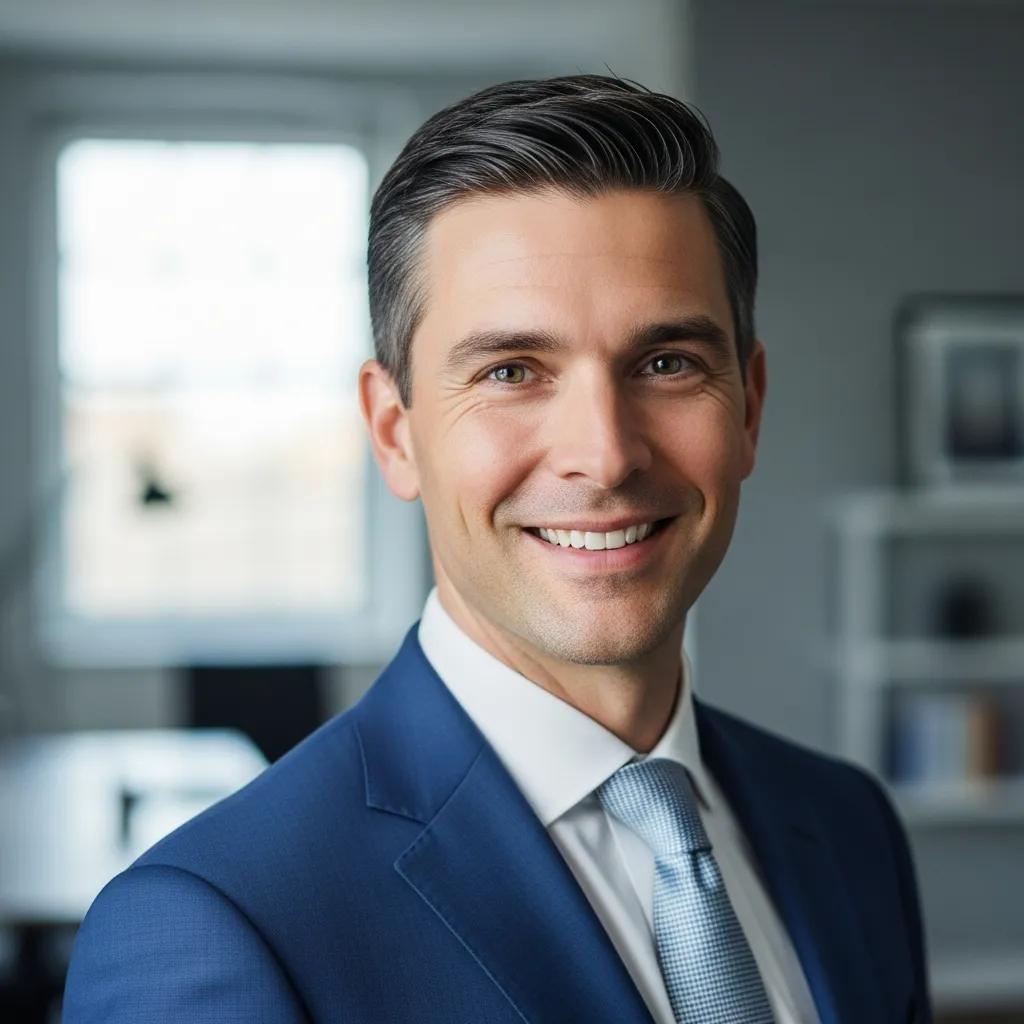
First impressions online matter. A polished headshot can open doors — from job interviews to client meetings — but it should still look like you. Professional headshot retouching subtly refines an image to remove distractions and emphasise your authentic presence. Below we unpack the techniques that create natural, professional results, explain why retouching supports your personal brand, and show how our London-based approach at EyeMedia Studios adapts to individual enhancement.
Headshot retouching is careful, targeted editing that improves a portrait while keeping the subject recognisable. For anyone building a professional profile, understanding what professional headshots are is key — a well-executed headshot shapes first impressions — communicating competence, approachability and confidence. Thoughtful retouching corrects lighting, balances skin tone and cleans the background so the image supports your career goals without feeling overworked.
At its best, retouching highlights what you want people to notice — not what you want to hide. It’s about clarity and consistency: a polished headshot helps you present a steady, professional image across LinkedIn, company sites and press materials. That reliable presentation increases memorability and trust, two currency in competitive hiring and client-facing environments.
Retouching adapts to context. Corporate portraits call for subtle, restrained edits that emphasise credibility and approachability. Actor headshots often need more expressive adjustments to convey personality and range — stronger contrast, mood lighting or colour choices that suggest character. Knowing the industry expectations helps us tailor each edit so the image performs where it matters.
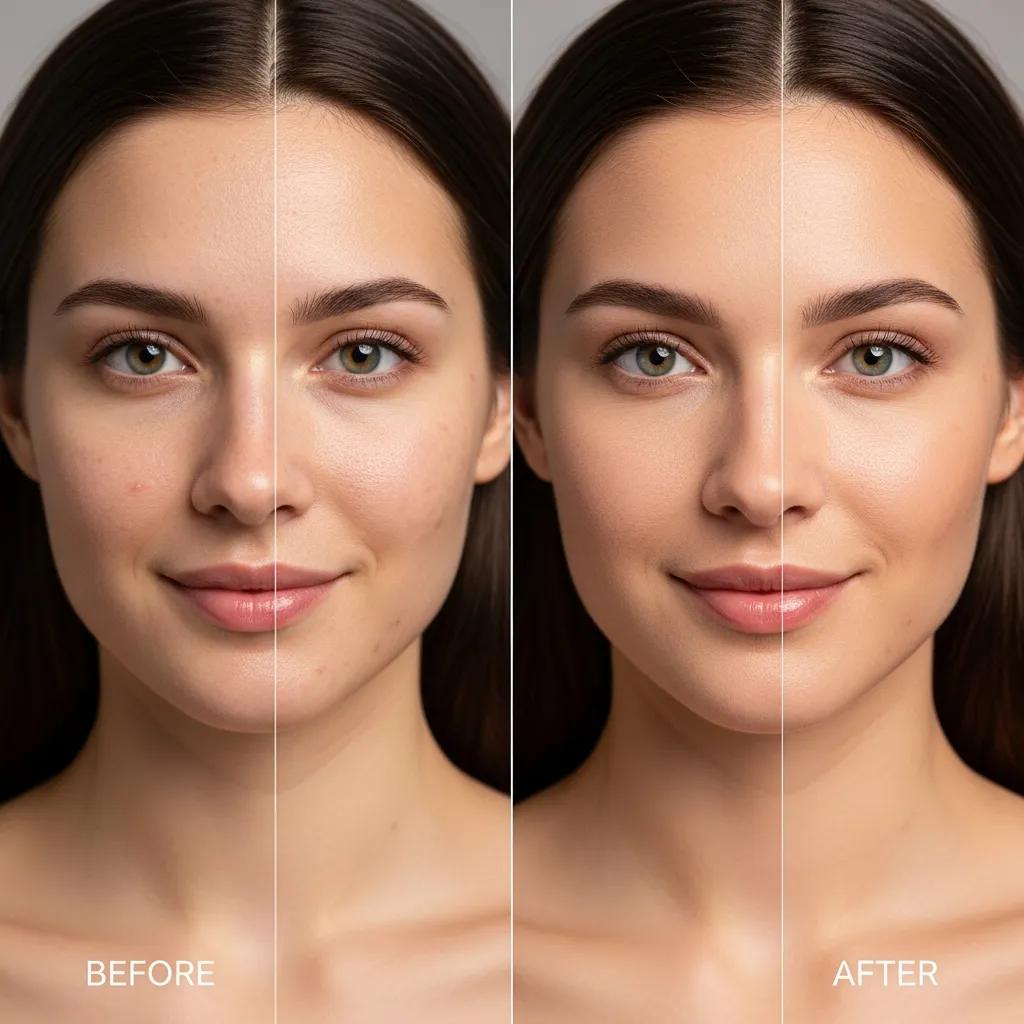
Natural-looking edits focus on small, precise improvements rather than dramatic changes. The aim is to make the subject look like themselves, only refreshed and camera-ready.
Good skin work reduces distractions while preserving texture and character. We remove temporary blemishes and soften uneven tones but avoid flattening pores or erasing defining features. The result is a cleaner, more confident look that still reads as authentic in person.
Small adjustments to the eyes and hair significantly improve how a portrait reads. Slight eye brightening helps your gaze read as alert and engaging; targeted hair retouching controls flyaways and evens tone so the frame feels composed. These touches draw attention to expression and personality without calling attention to the edit.
The starting point is the same — a clean, honest image — but the finish differs by purpose.
Corporate retouching is intentionally understated: soft skin refinement, accurate colour correction and background clean-up. We aim to present someone trustworthy and approachable, with edits that support professional settings such as LinkedIn, company bios and PR shots.
Actor headshots need to convey character and flexibility. We may use contrast, selective colour grading, crop choices and lighting tweaks to emphasise mood or expression. The goal is to help casting directors immediately see the roles you fit.
Retouching is an essential part of the editing process.
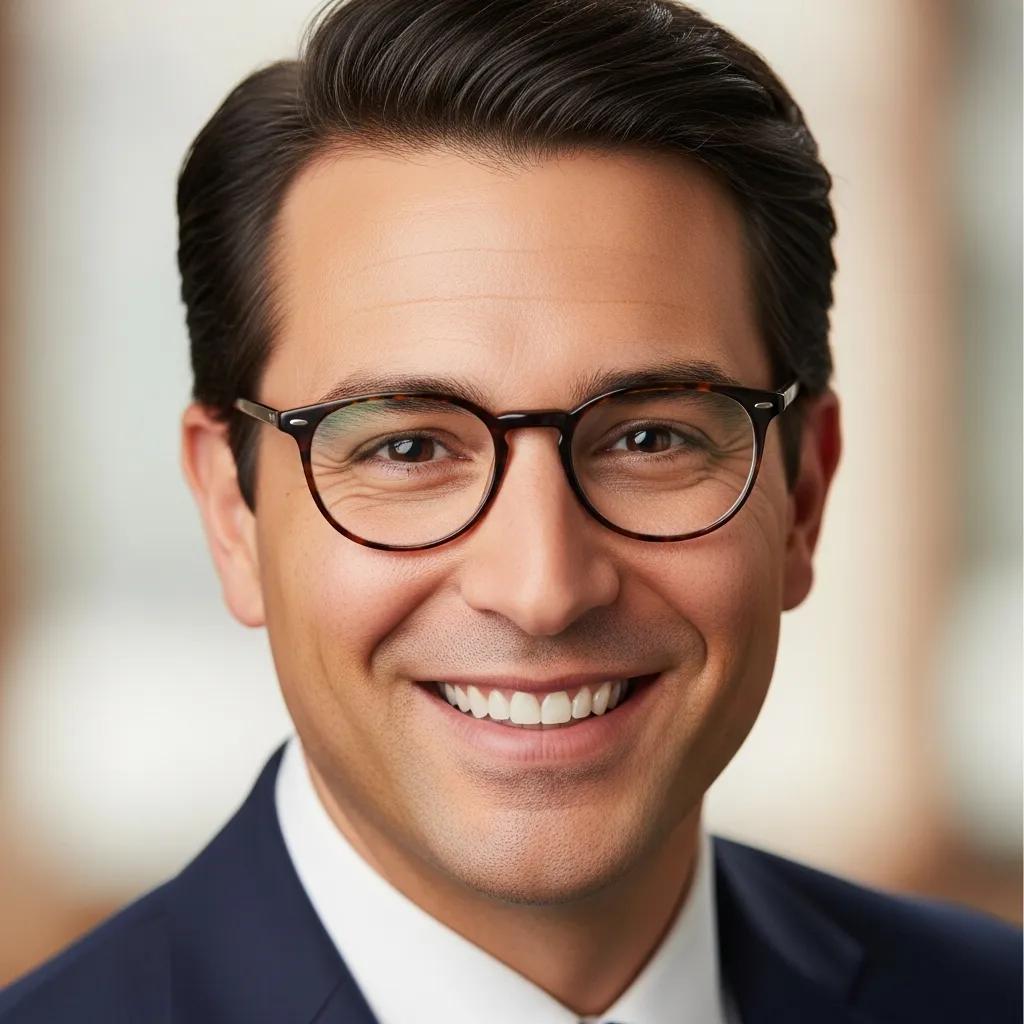
A LinkedIn headshot should be crisp, well-lit and distraction-free. Retouching focuses on the face, tones and background so your image looks professional at small sizes and across devices.
We refine contrast, correct colour and apply subtle skin and eye work so your photo reads clearly in thumbnails and profile headers. The goal is a single image that attracts attention and supports networking or hiring conversations.
Neutral, softly blurred backgrounds keep the focus on you. Colour corrections ensure natural skin tones and consistent lighting across platforms. The overall effect should be warm and inviting while remaining professional.
We combine technical skill with a simple philosophy: enhance, don’t erase. Our approach is tailored, quick and collaborative — ideal for professionals and performers who need reliable, natural-looking results.
We emphasise subtlety and fidelity to the subject. That means edits that lift the photograph — improving clarity, colour and composition — while keeping the person recognisably themselves. Clients tell us they value that honest, confident outcome.
Head photographer Bill Gidda brings over 25 years behind the camera. His eye for light, proportion and nuance informs every edit, ensuring images meet professional standards and feel true to the person in front of the lens.
Below are answers to the questions we hear most often about process, timing and what to expect.
Typical basic retouching covers skin tone balancing, minor blemish removal and colour correction. These core adjustments tidy the image and leave the subject looking polished without a heavy-handed finish.
Choose wardrobe that reflects your brand — solid colours usually work best. Grooming, hydration and a light, familiar makeup look help. Bring spare tops and let us know the image you want to project so we can capture the right expressions.
Together these techniques ensure headshots are flattering, authentic and fit for professional use.
Review portfolios to see final results at normal viewing sizes, read client testimonials, and ask about the studio’s retouching philosophy. A good provider explains their process, offers sample comparisons and welcomes input so the final image matches your brand.
Turnaround varies by workload and complexity. Most standard headshot edits are completed in a few days to a week. If you need an urgent delivery, discuss expedited options up front — many studios offer a faster service for an additional fee.
Yes — most clients request particular adjustments. Tell us what matters to you (for example, remove a temporary blemish or adjust colour), and we’ll collaborate to deliver results that match your expectations.
Avoid busy patterns or overly bright colours that distract from your face. Don’t overdo makeup or choose a hairstyle you wouldn’t wear day-to-day — authenticity reads better. Also, arrive hydrated and rested if possible.
Digital files are optimised for web use (smaller file sizes and sRGB colour), while print-ready files are high-resolution with the correct colour profile and dimensions for physical printing. Tell your retoucher how you’ll use the images so they can supply the right formats.
Define the traits you want to convey — professional, approachable, creative — and choose wardrobe, expression and retouching that support those traits. Communicate your goals with the photographer and retoucher so the final image aligns with your audience and objectives.
Professional headshot retouching is a small investment with big returns: clearer communication of your professional identity and stronger first impressions across networks and portfolios. At EyeMedia Studios we focus on natural enhancement and studio craft to deliver headshots that work for both corporate profiles and creative careers in London. With considered technique and experienced hands, a refined headshot becomes a dependable part of your personal brand.